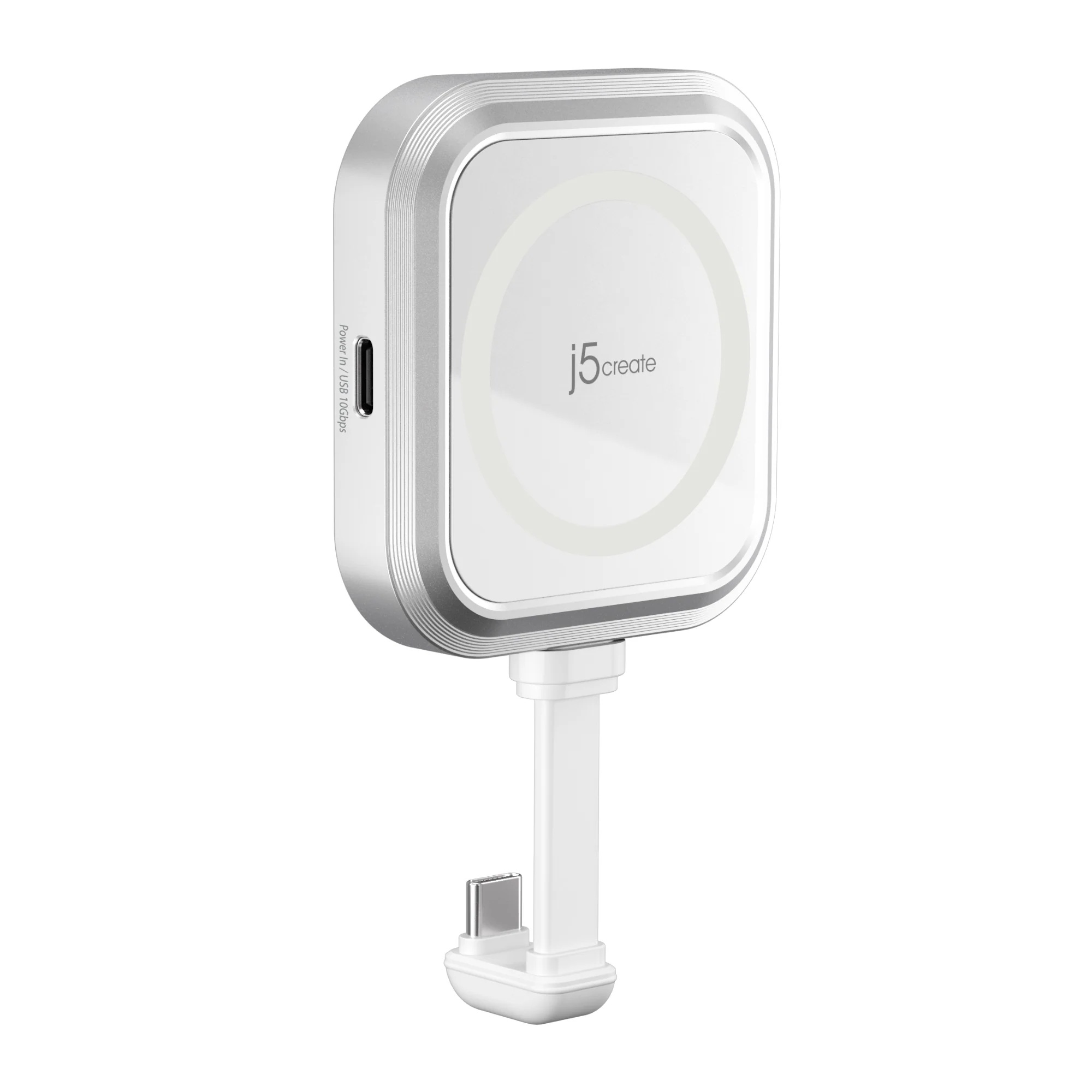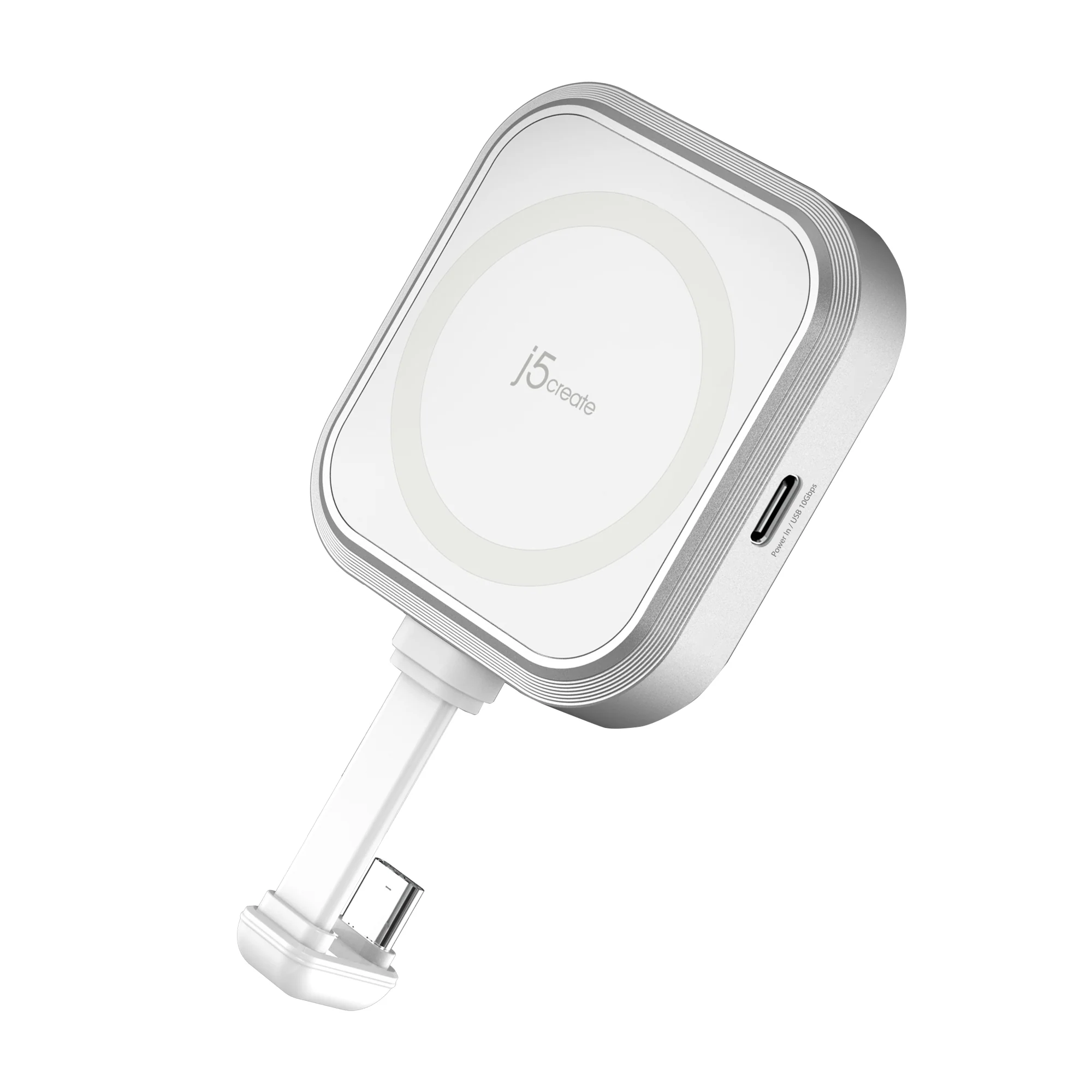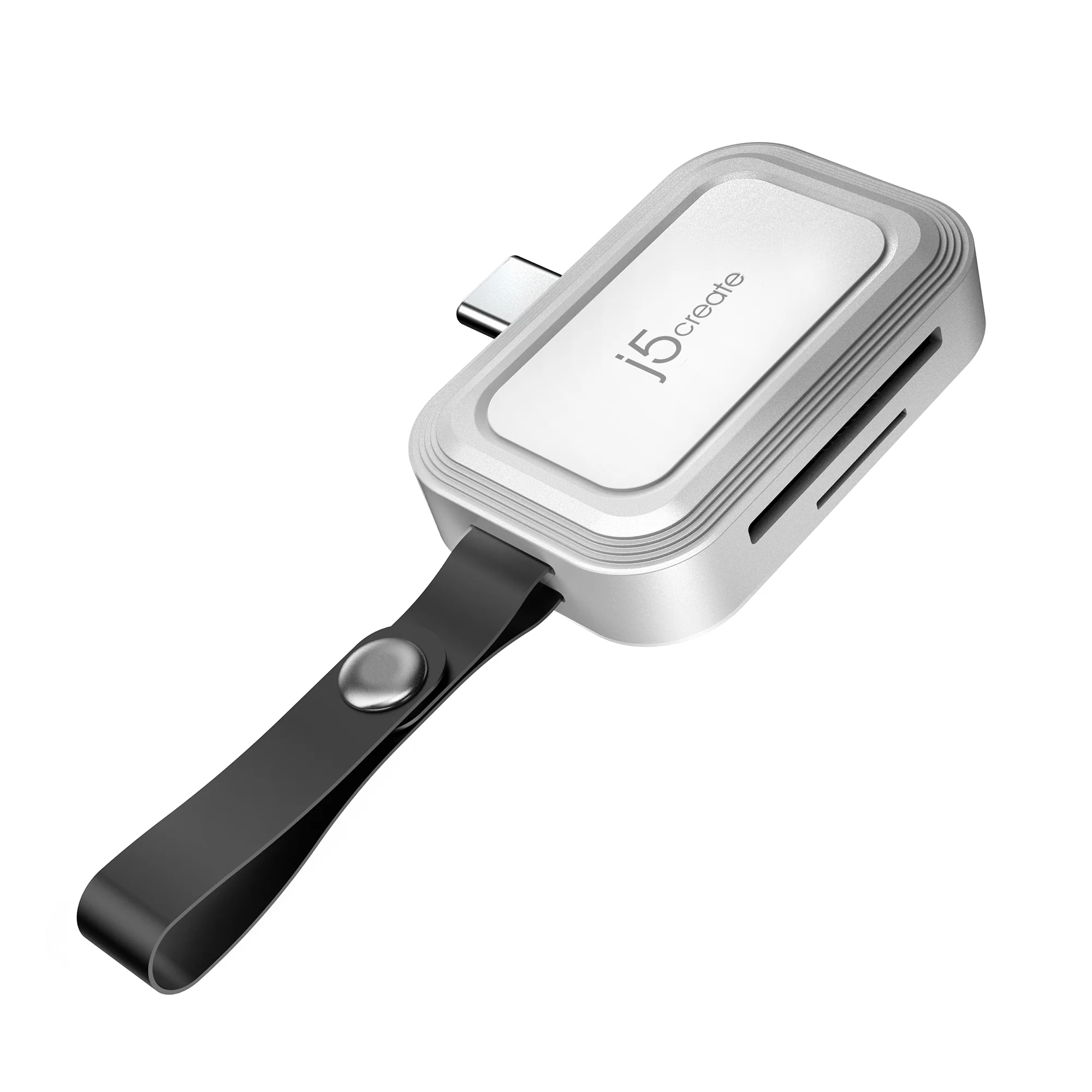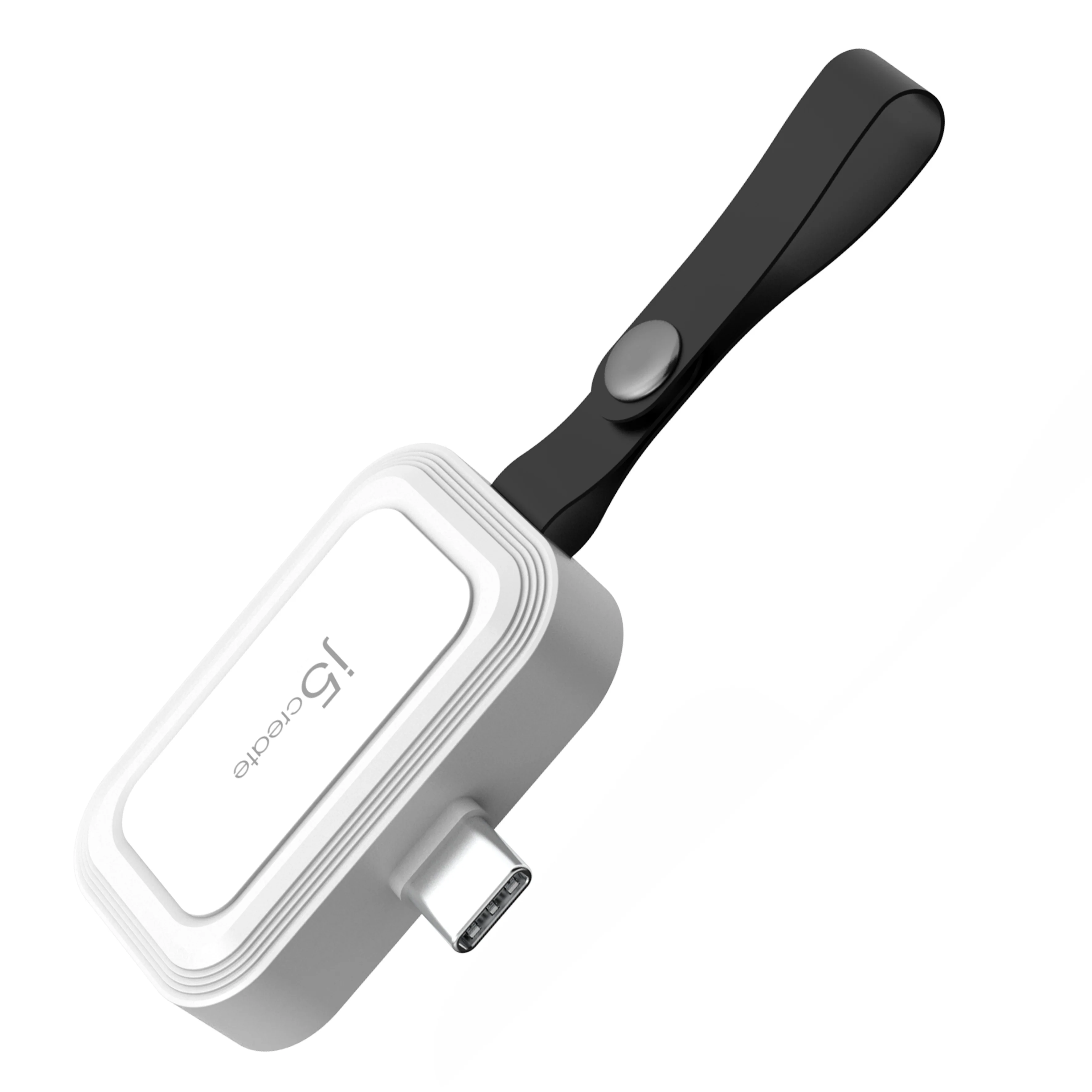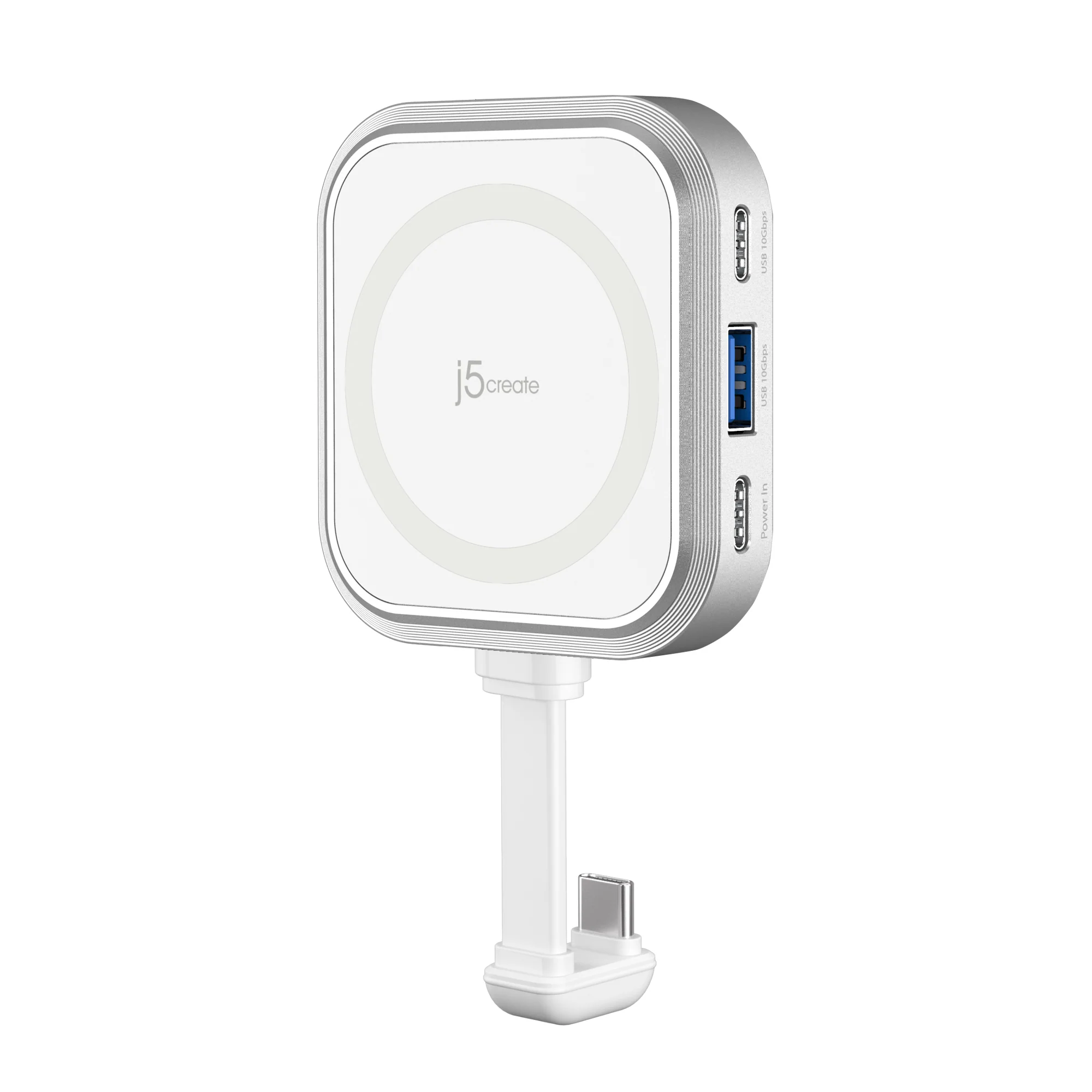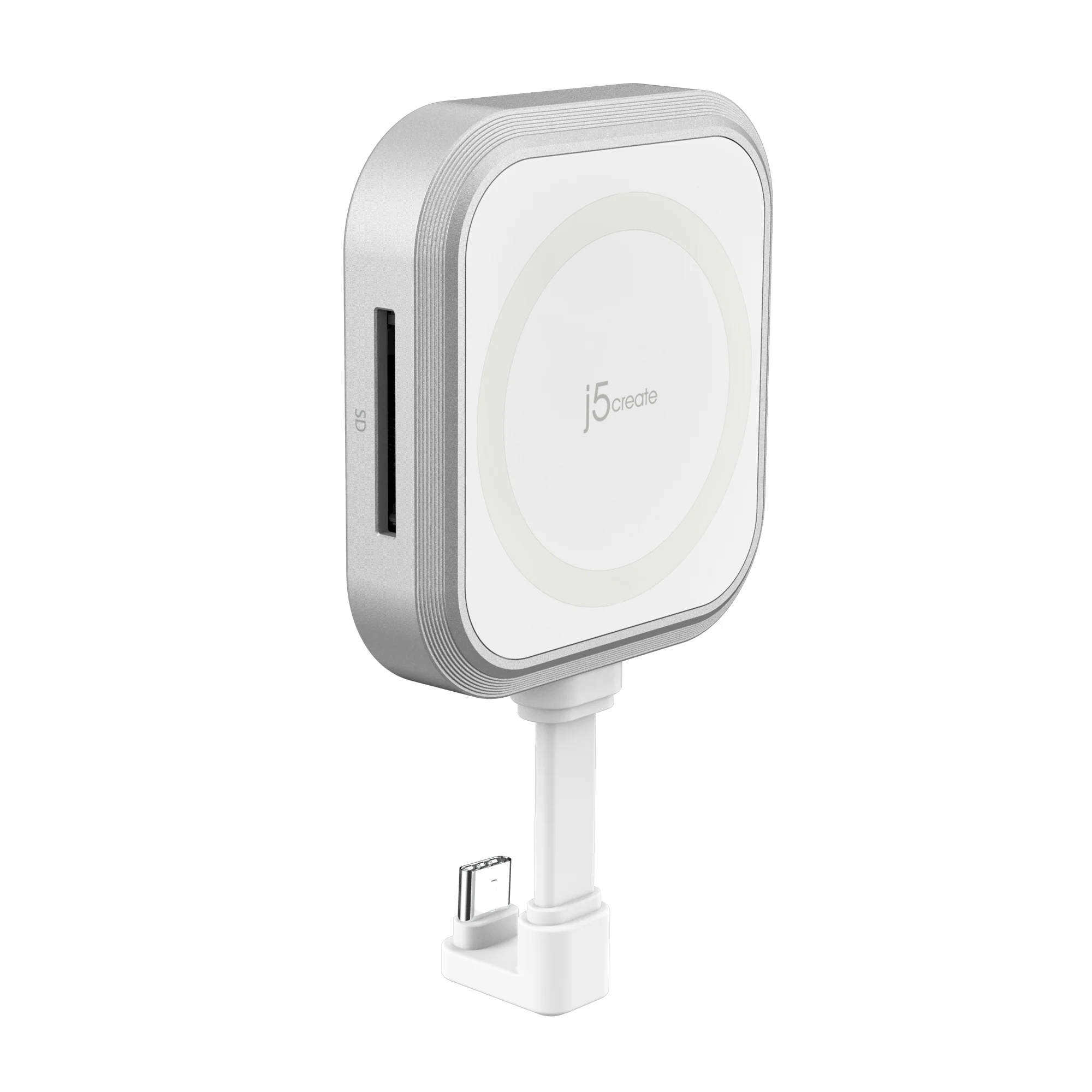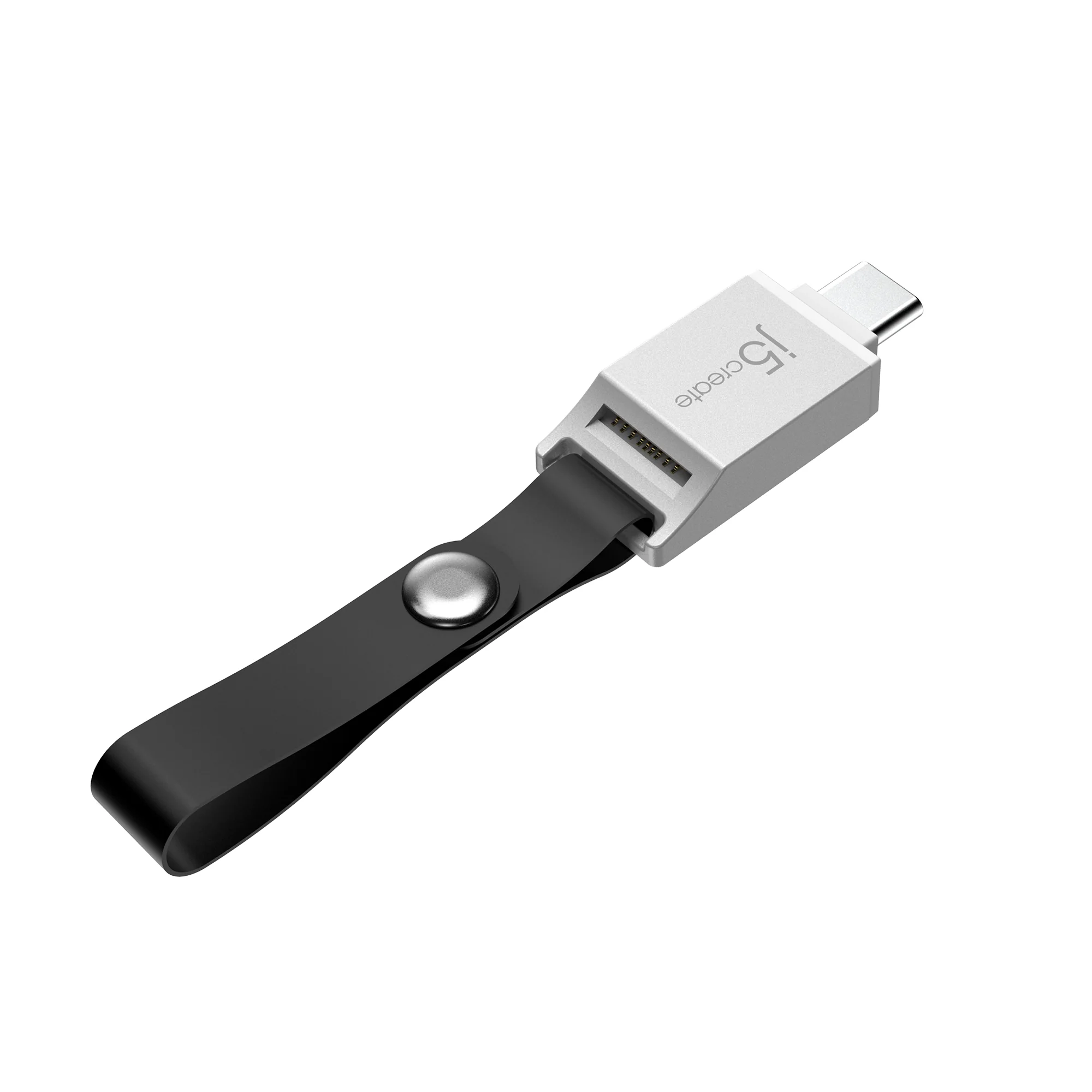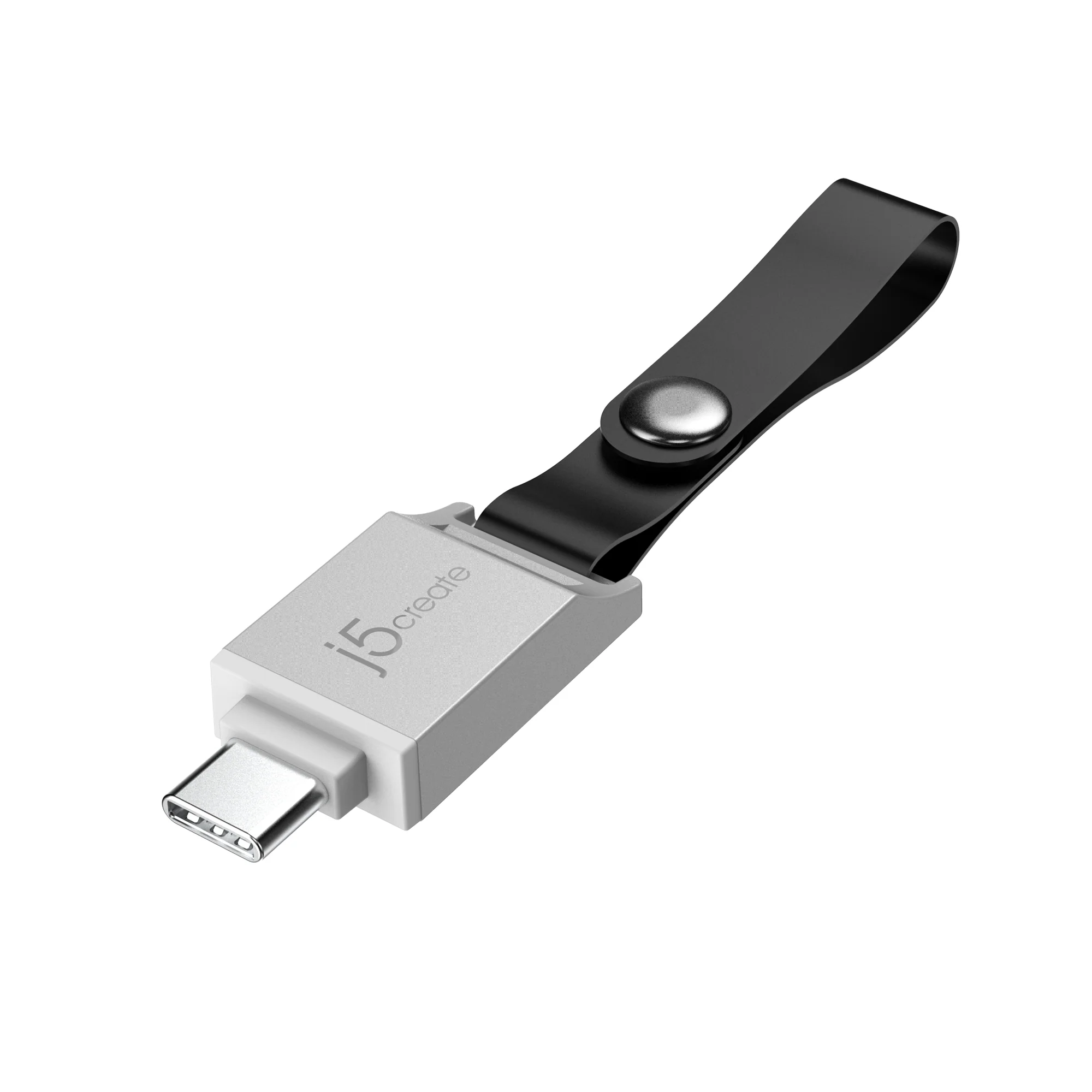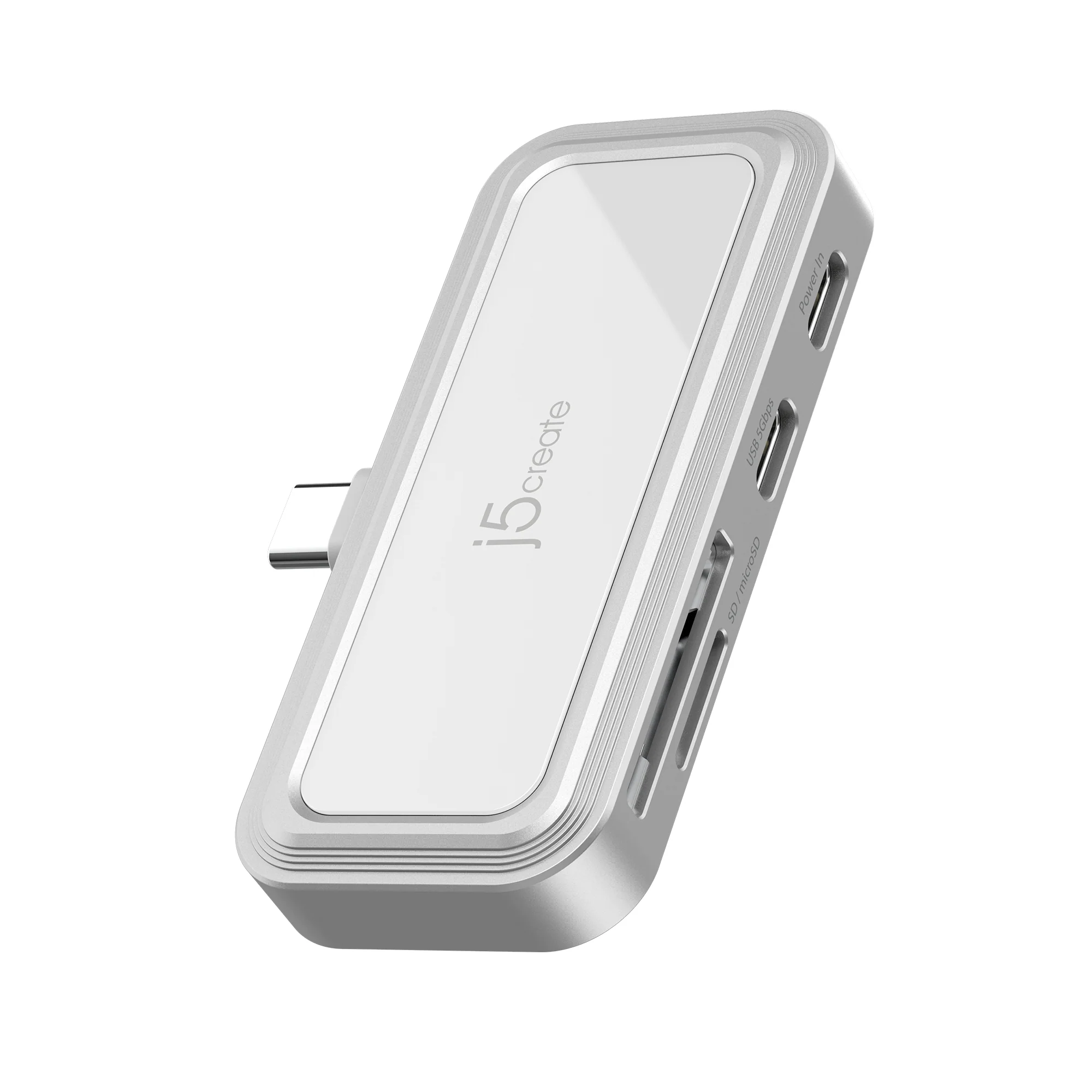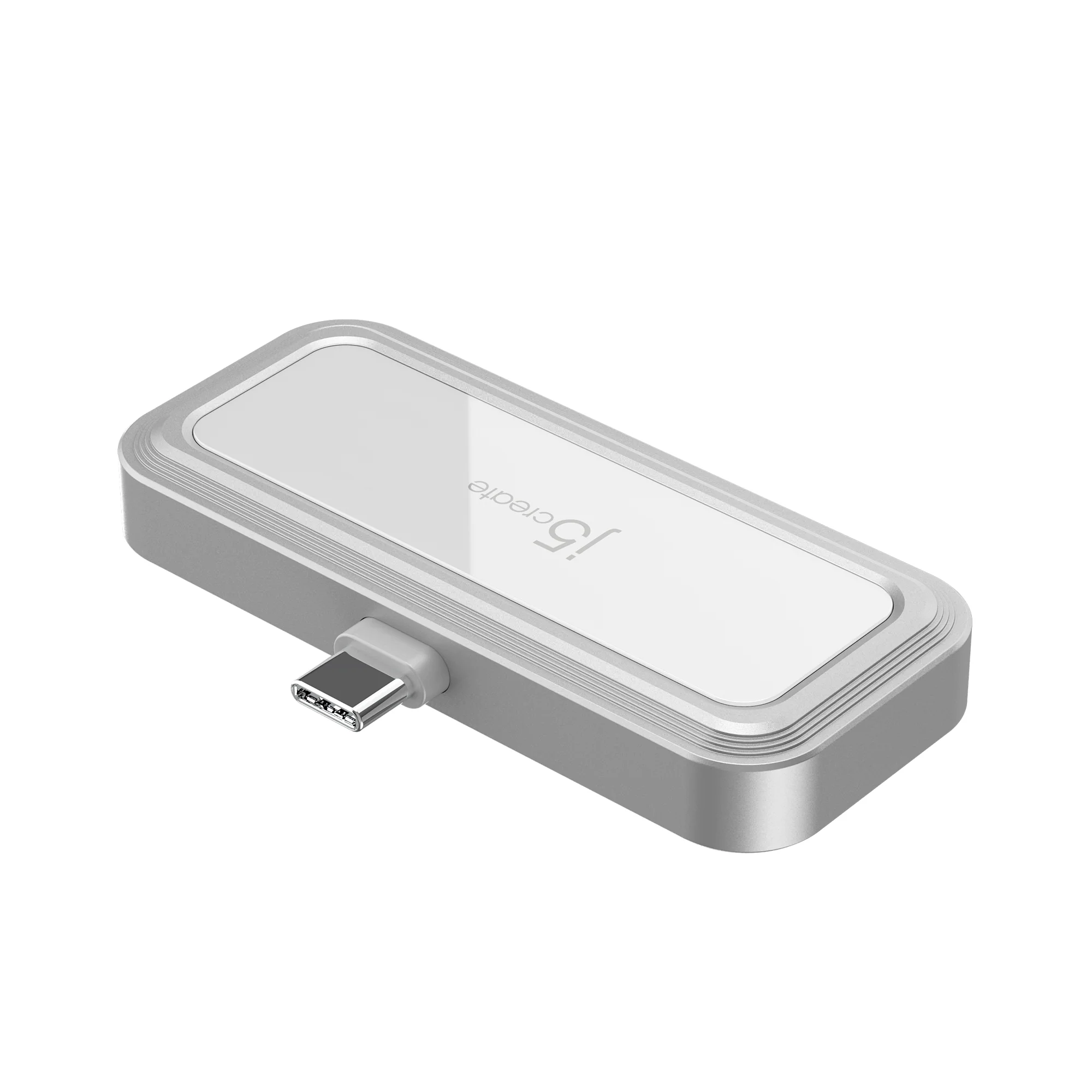
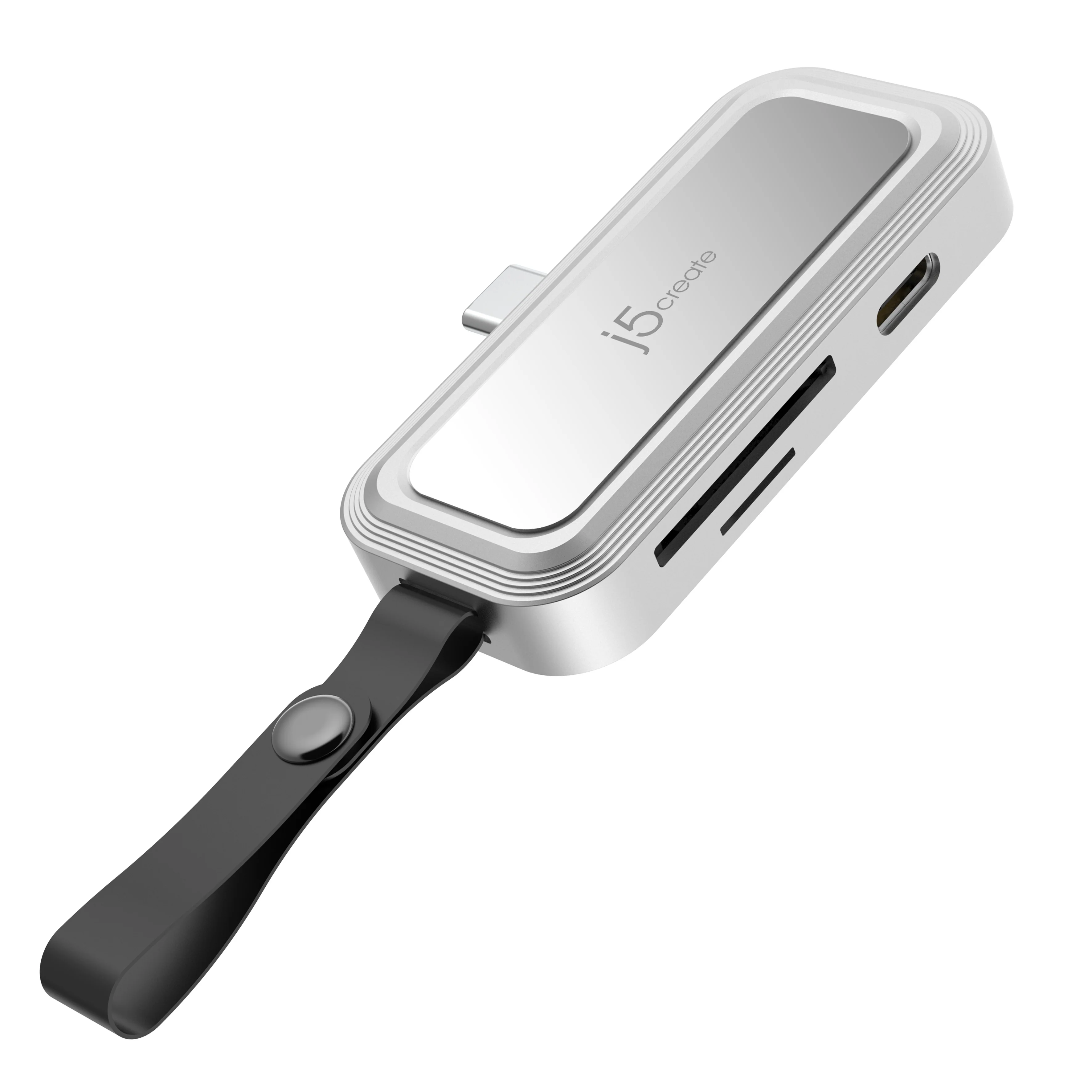
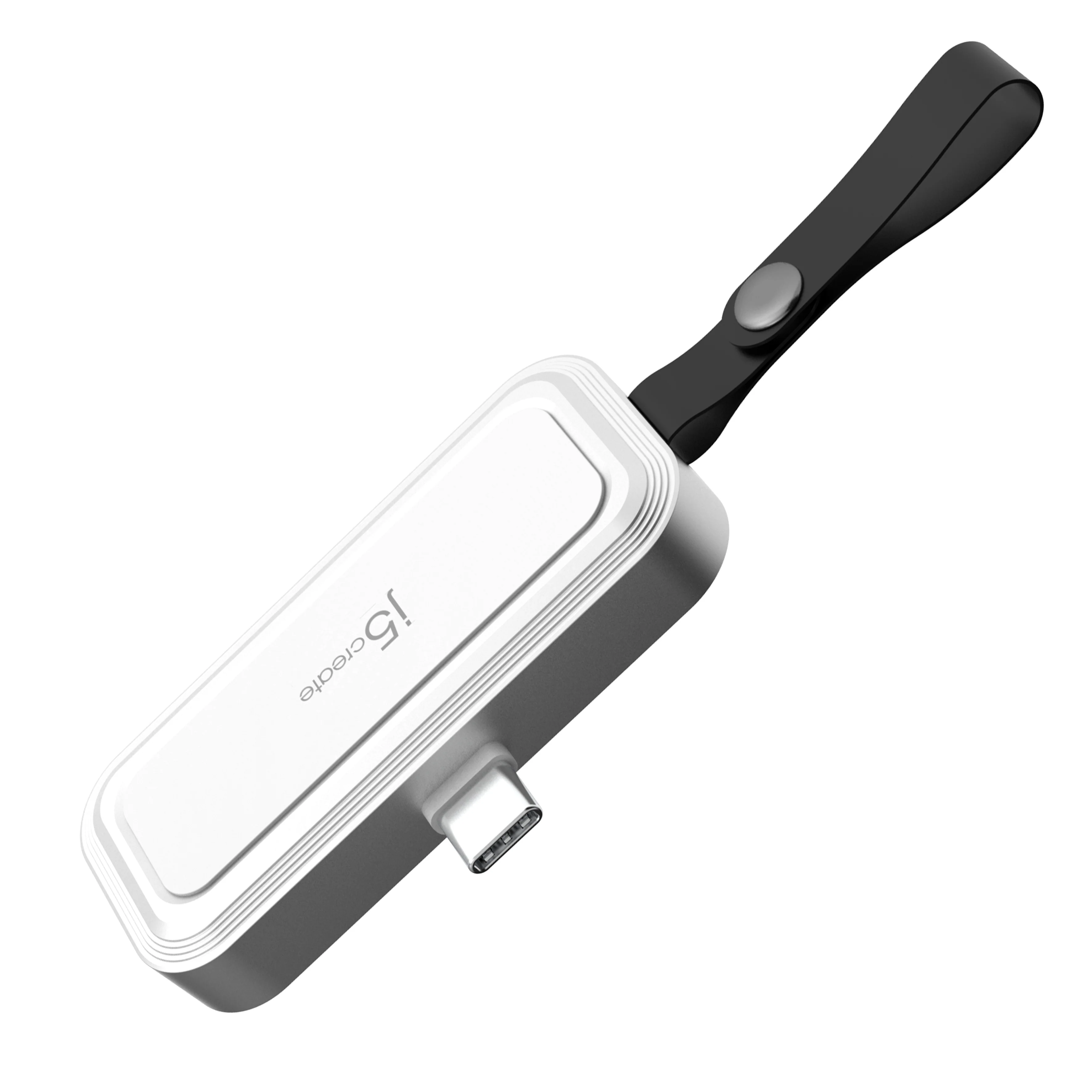
USB-C® to SD™ /microSD™ Adapter for Smartphones

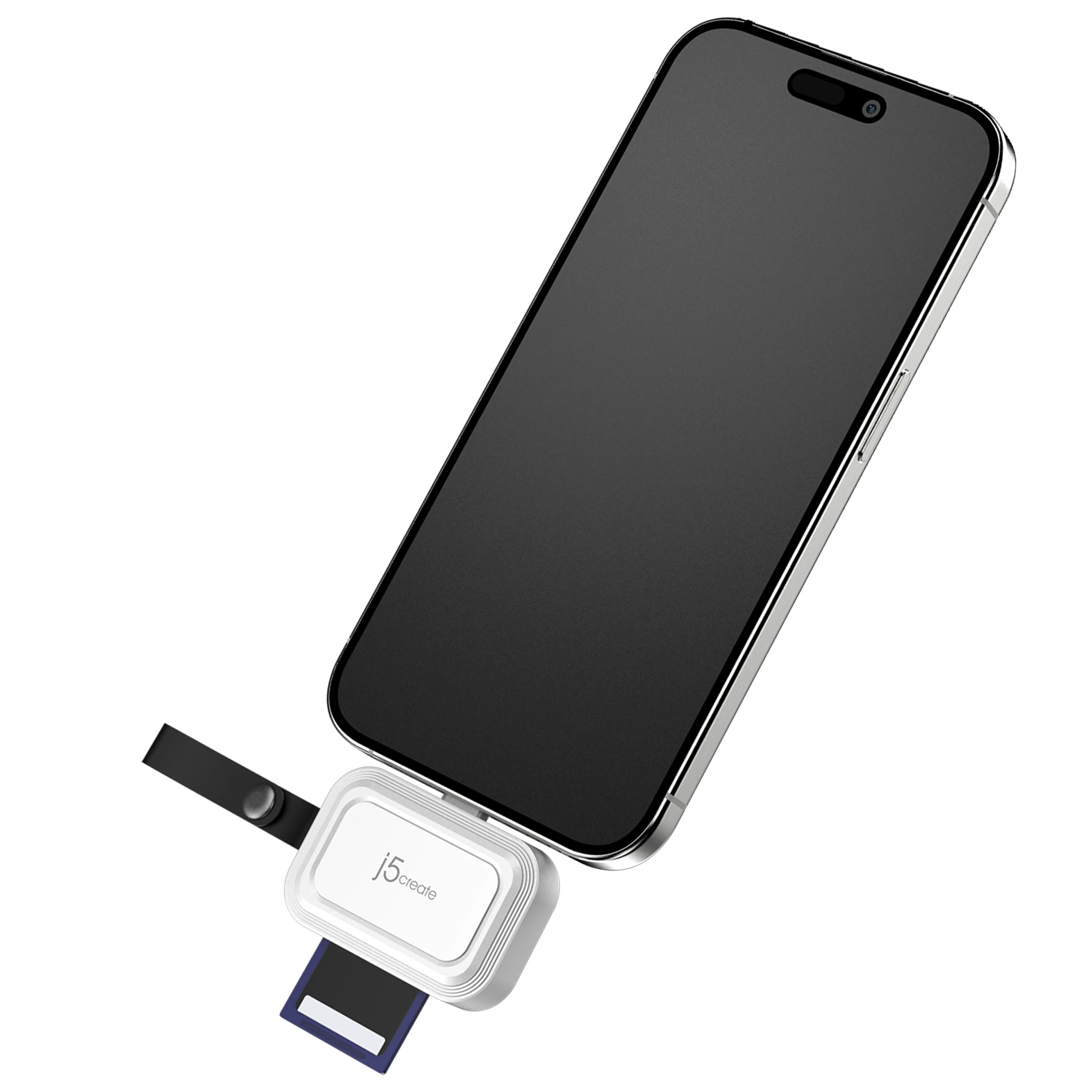
Perfect for Android™ phone and iPhone®15 series

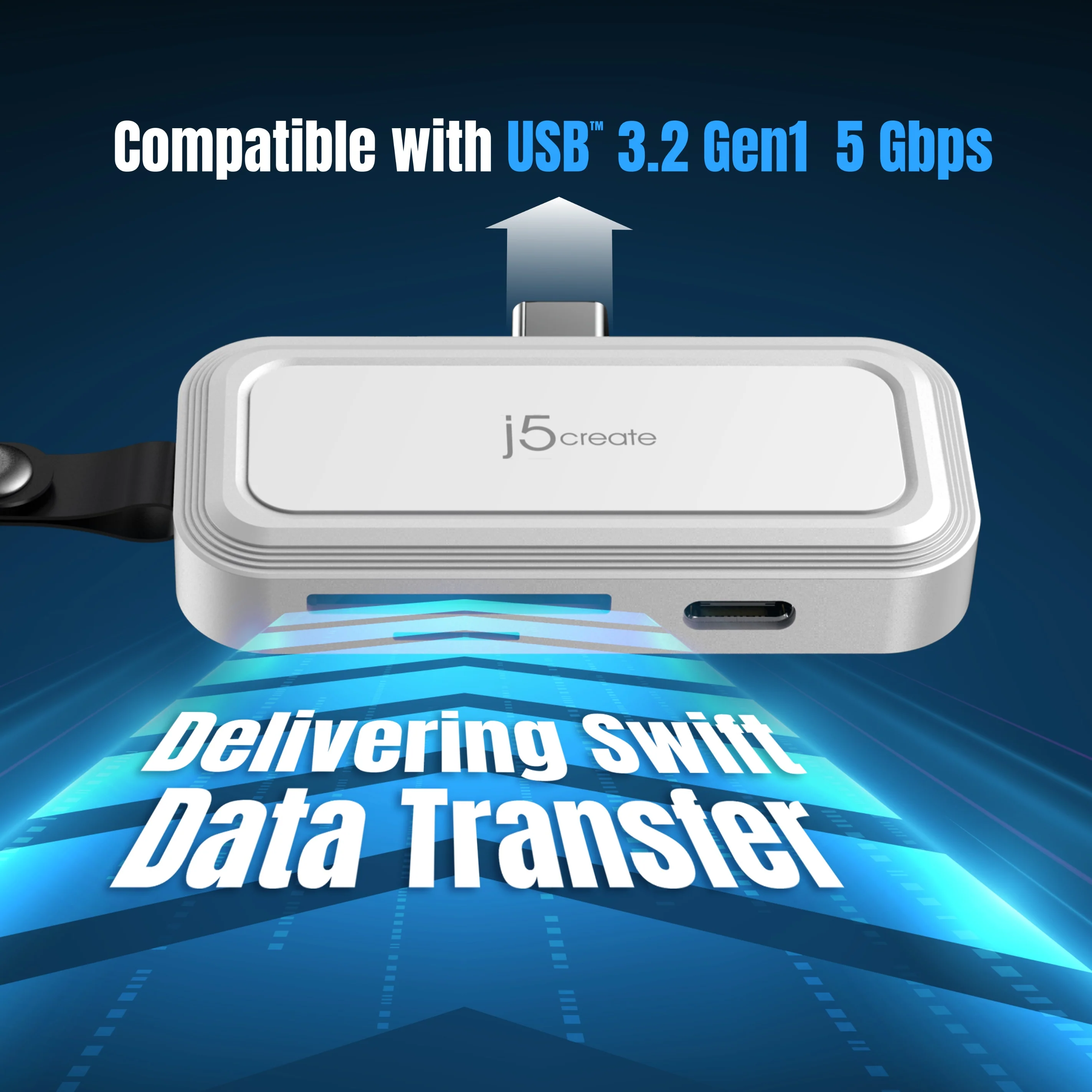
Compatible with USB™ 3.2 Gen1 and supports UHS-I mode with speeds up to 104MB/s

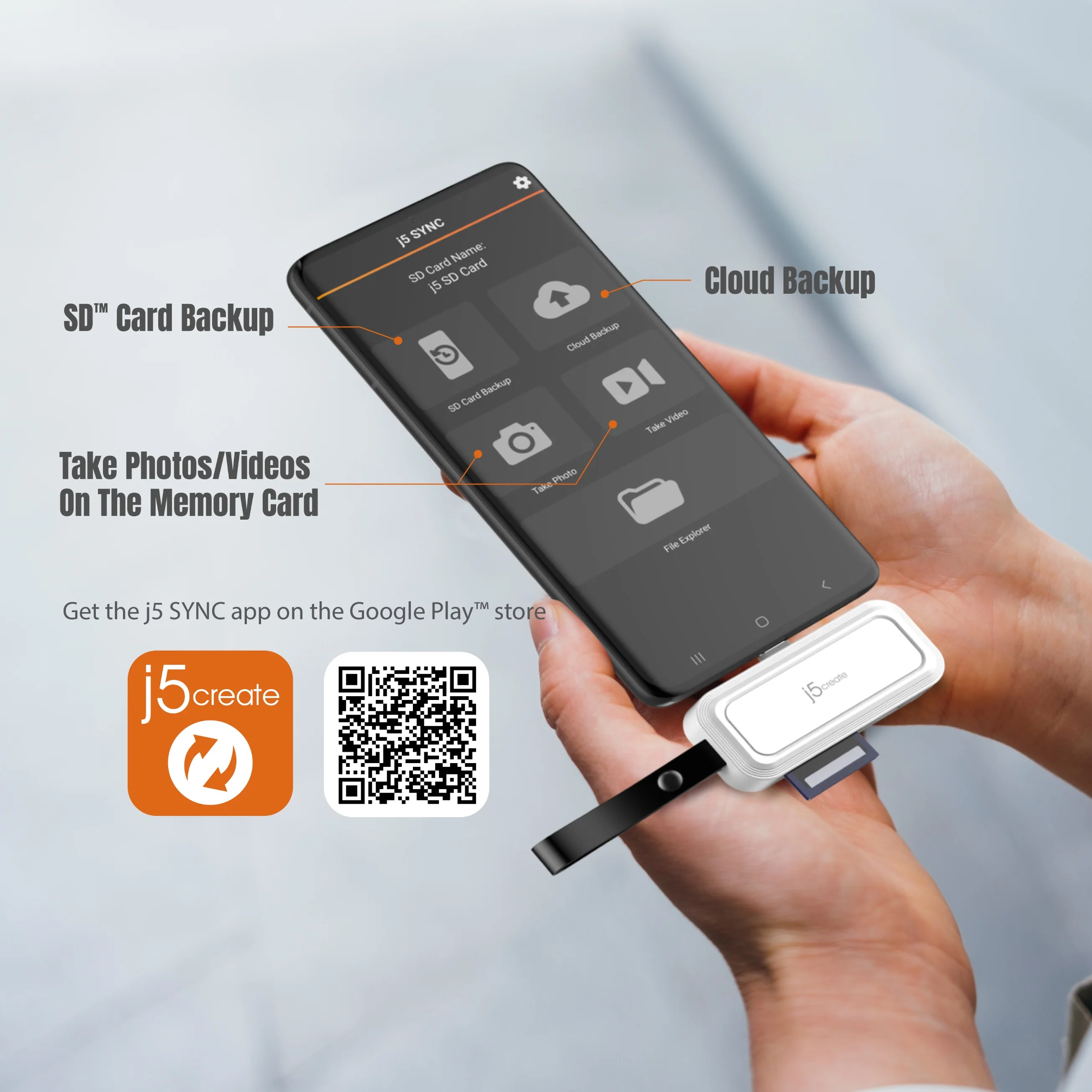
Available j5 SYNC App for Android™

Hassle-Free Backup on Android™

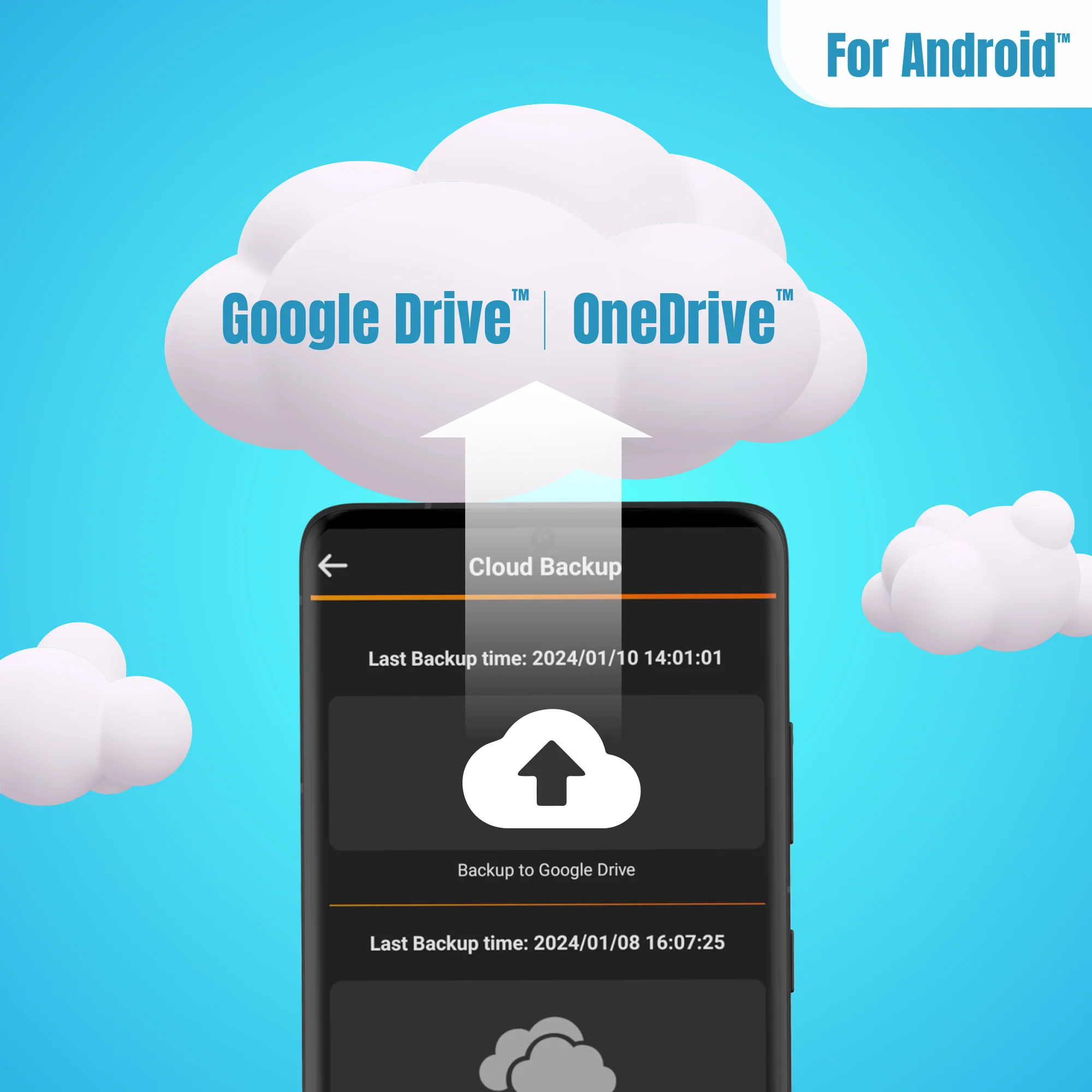
Supports backup to the cloud storage

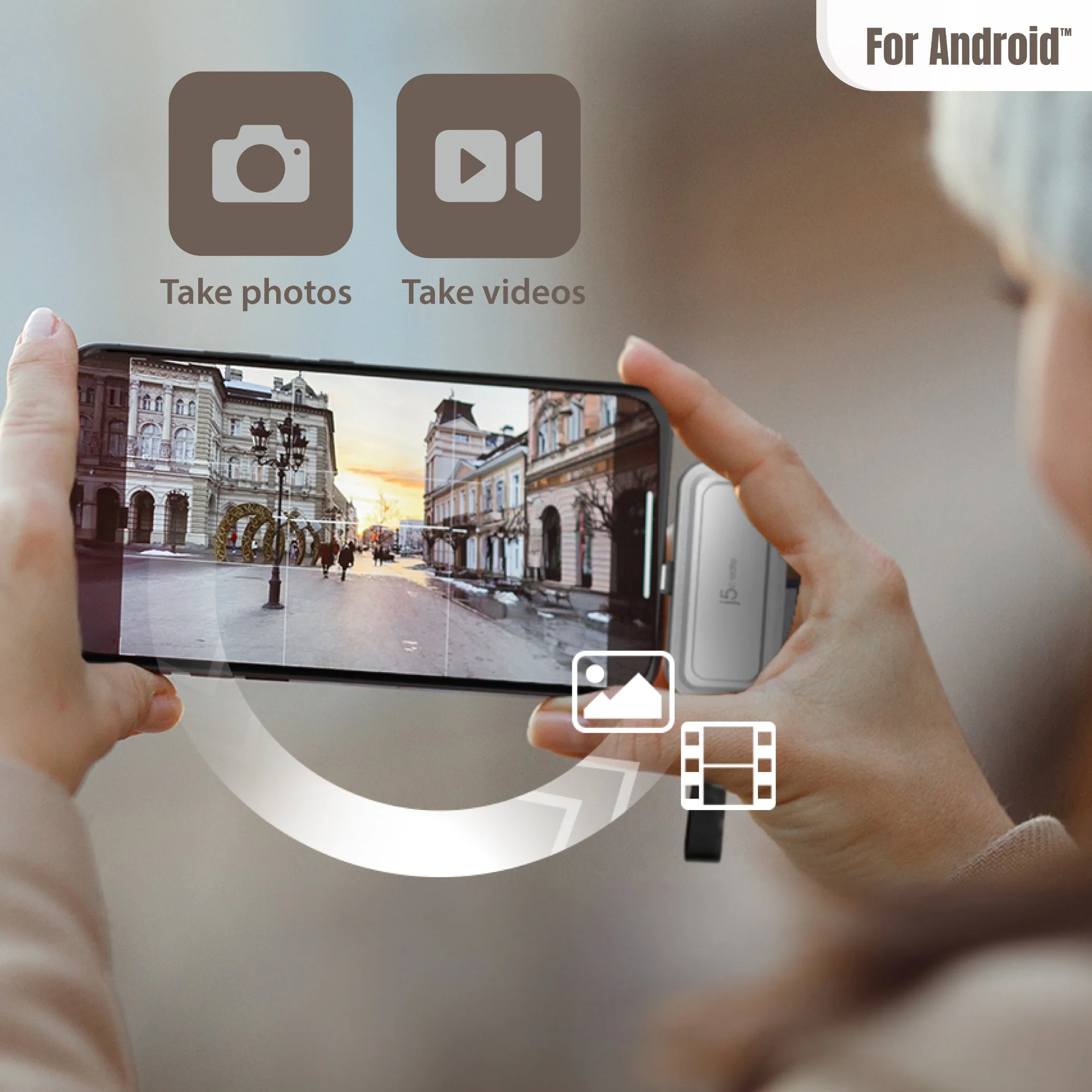
Take pictures or record videos on the memory card

Supports backing up your photos and organizing them by date or your customized albums.

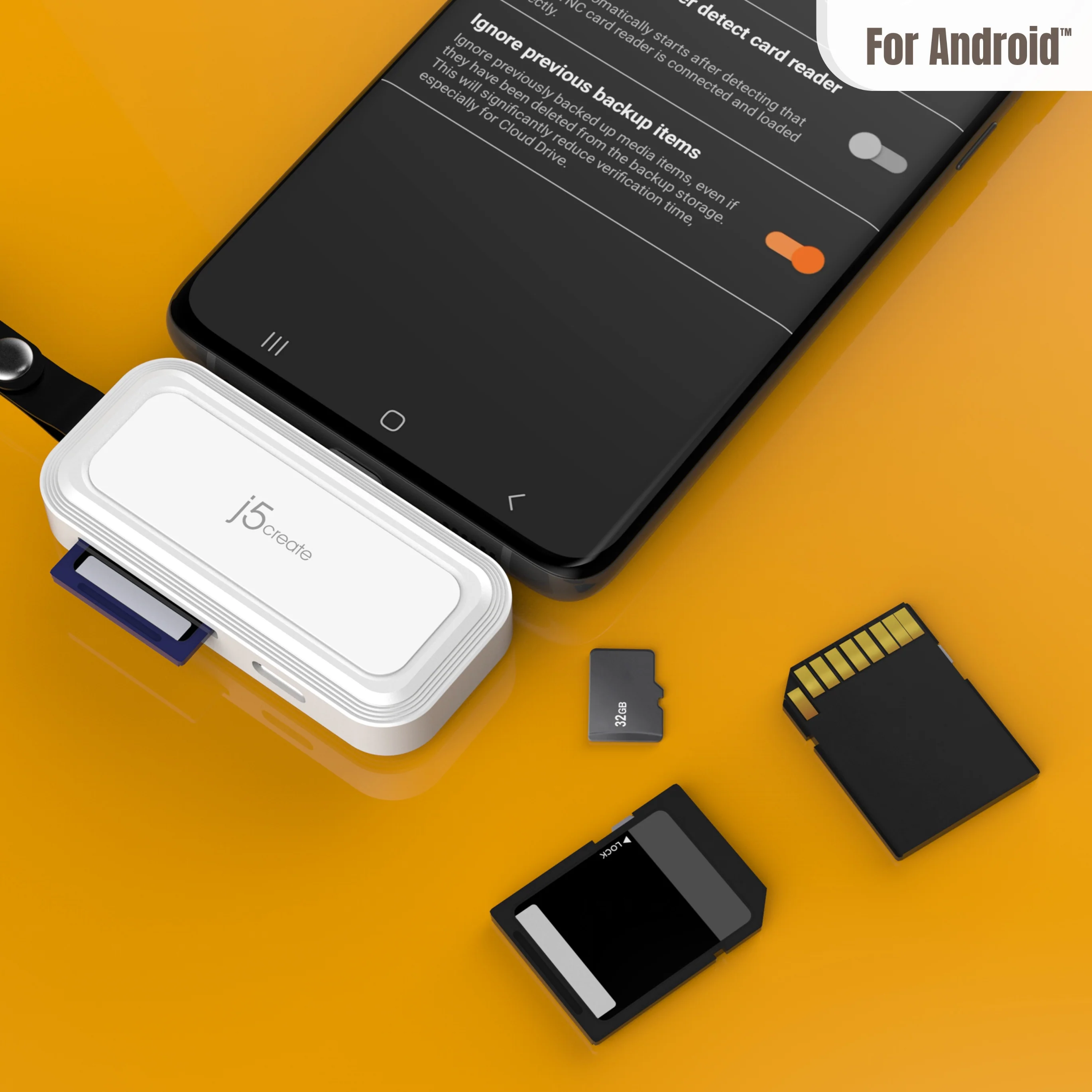
No need to worry about duplicate backups when switching memory cards
When a memory card is full, simply switch to another card.
Backup will continue from the previous record, saving you time by not having to back up all the files again.
(Must enable “Ignore previous backup items” in Backup Settings first.)

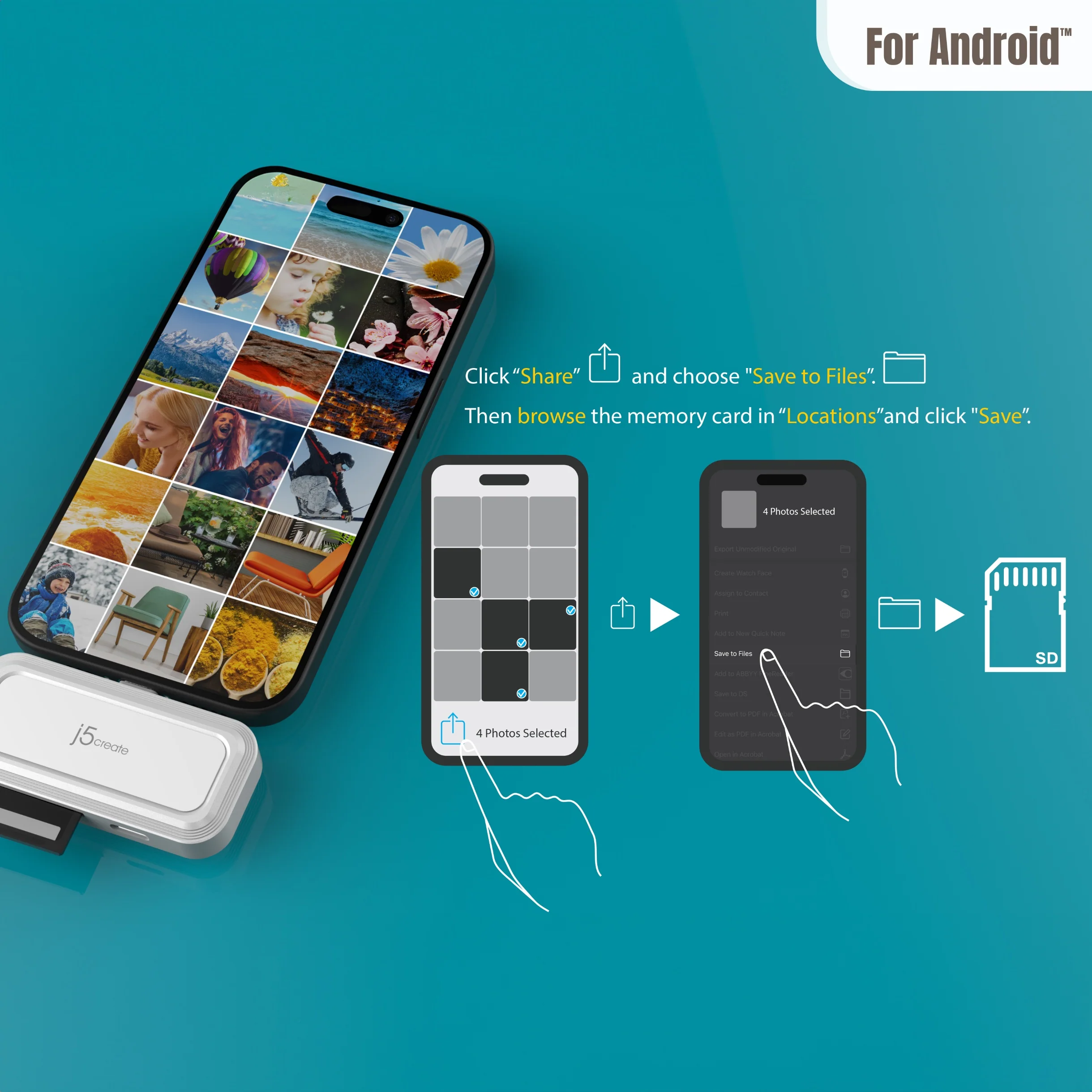
Effortlessly transfer files with the support of the Files app on iPhone®

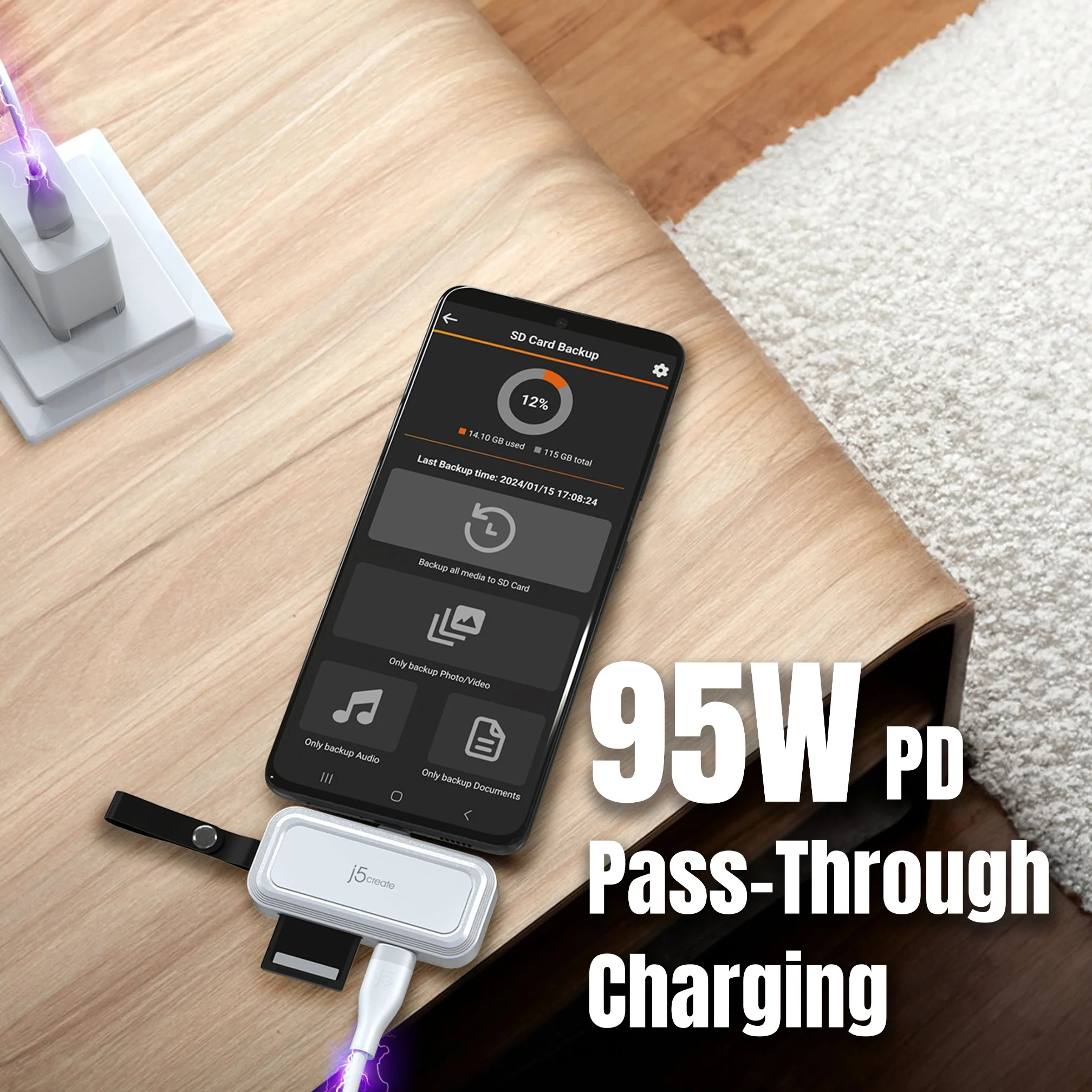
Worry-free backup while charging!

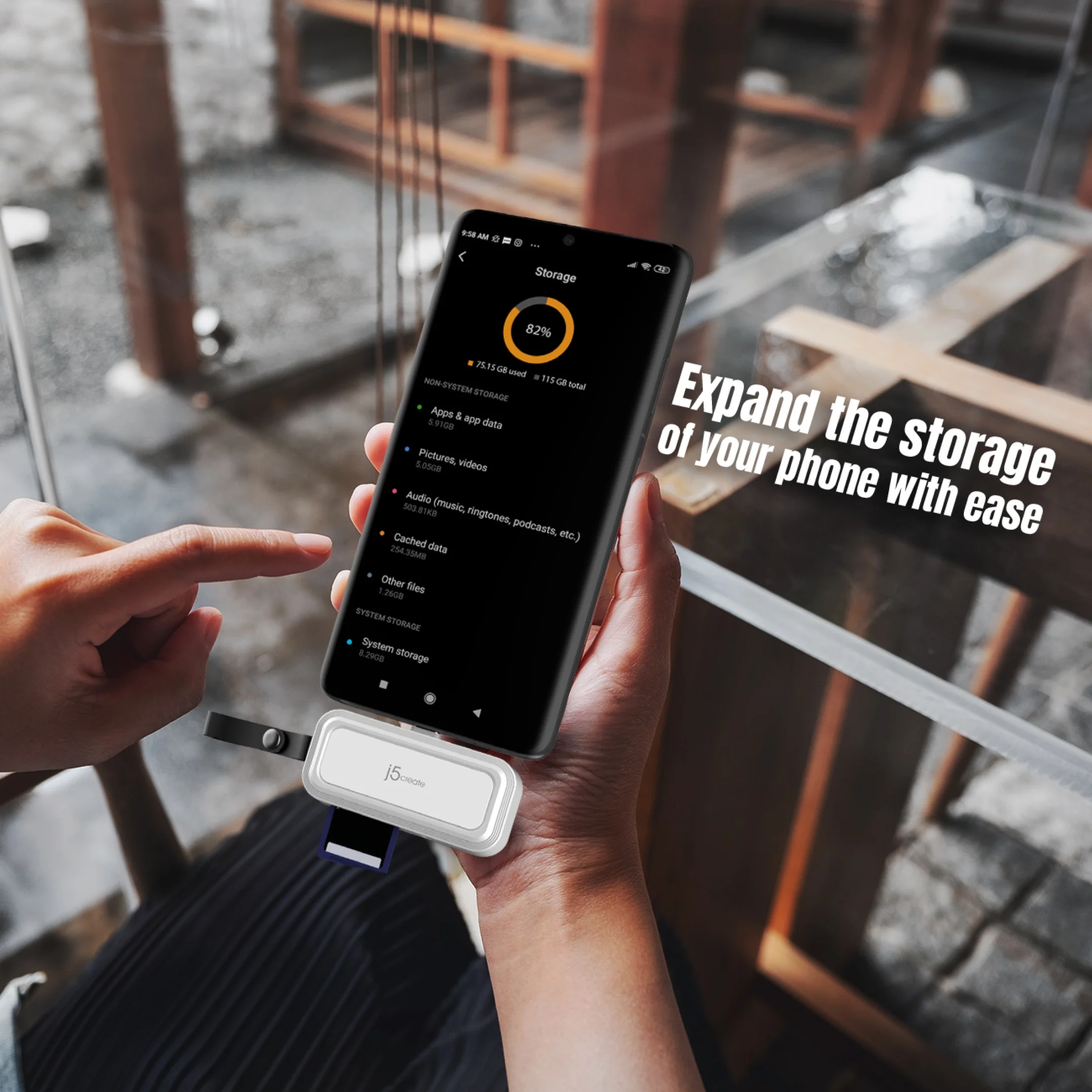
Store your data and save money with an expandable memory card, ensuring privacy and peace of mind

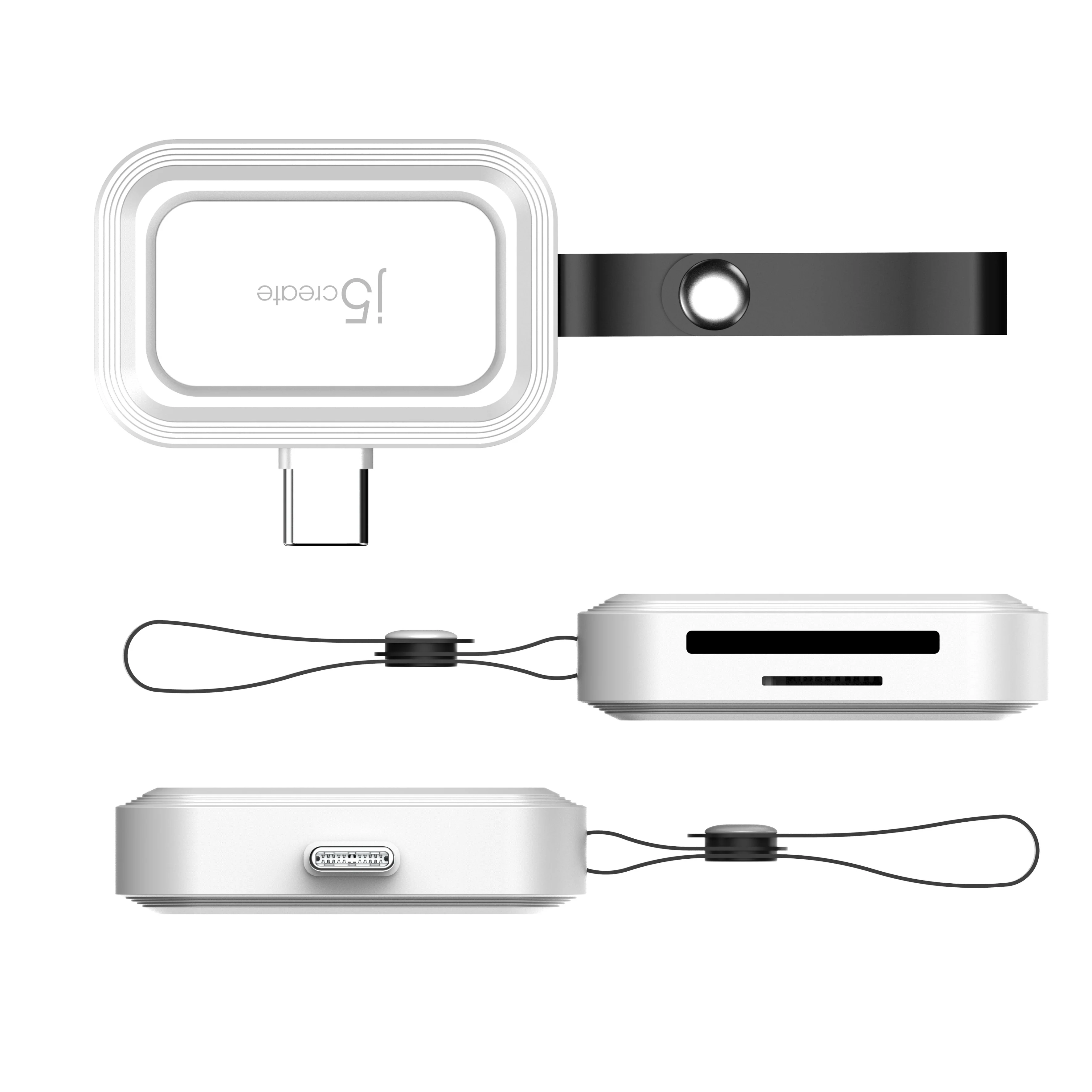
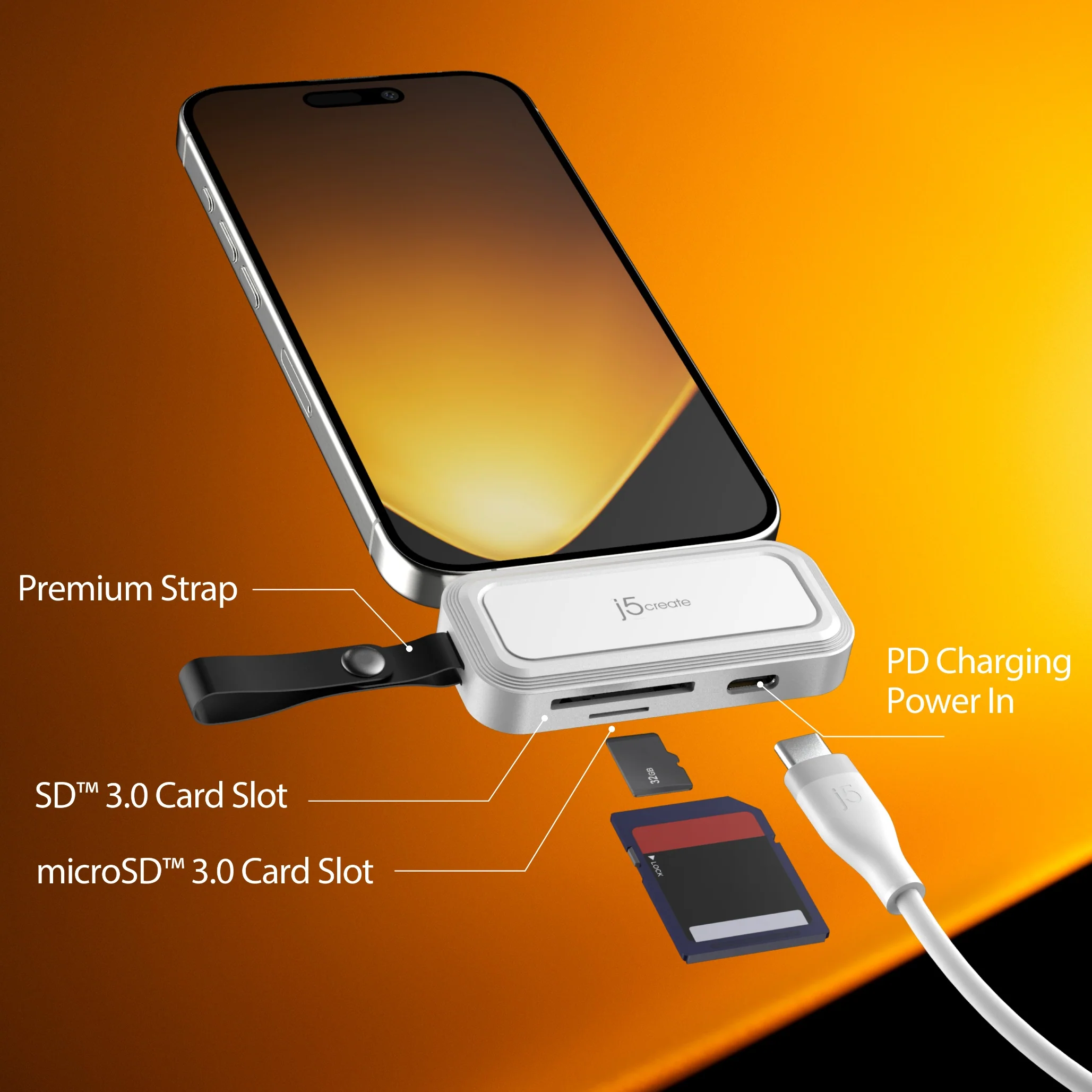
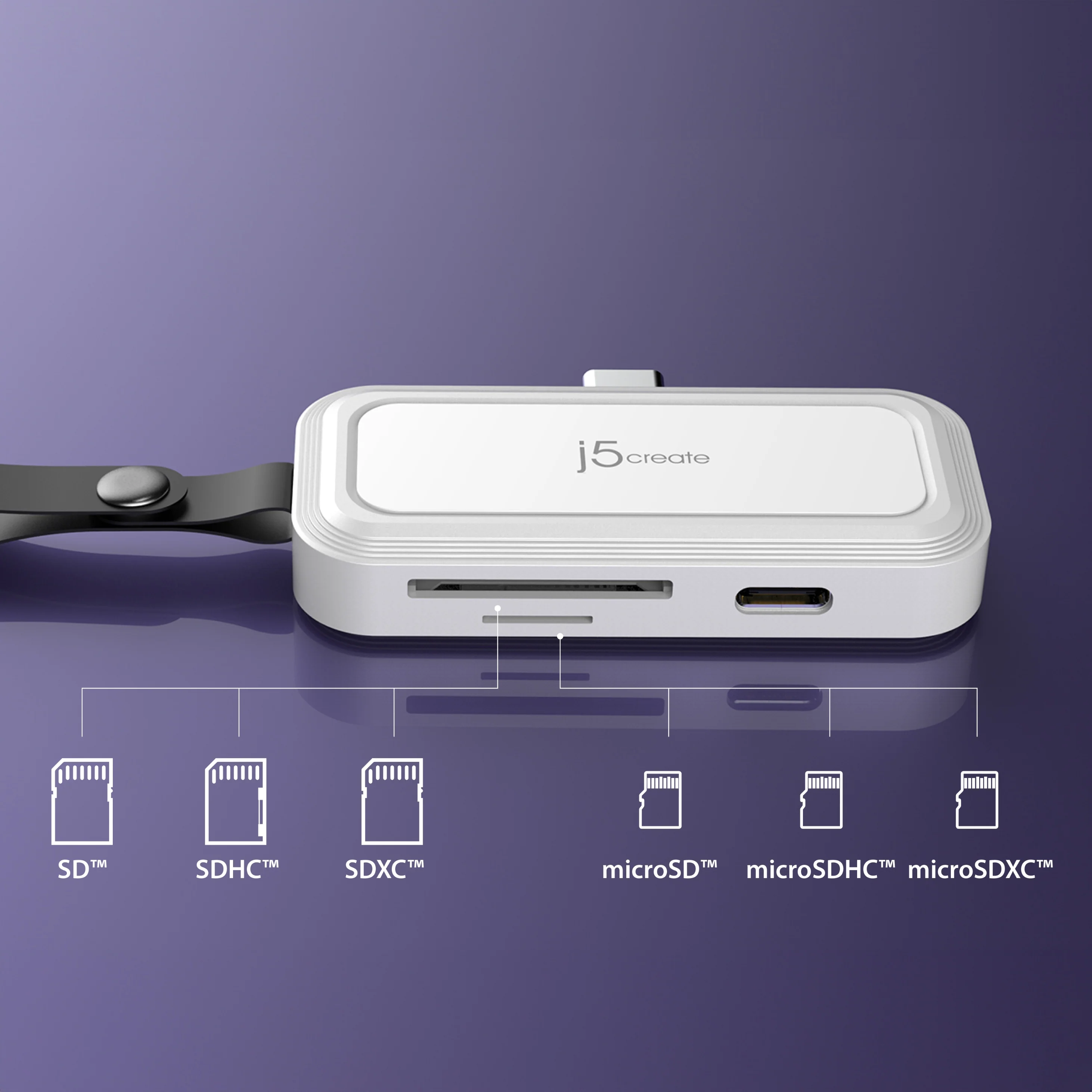
Supports SD™/microSD™, SDHC™/microSDHC™, and SDXC™/microSDXC ™ with up to 2TB of storage

Fits your smartphone without having to remove the protective case

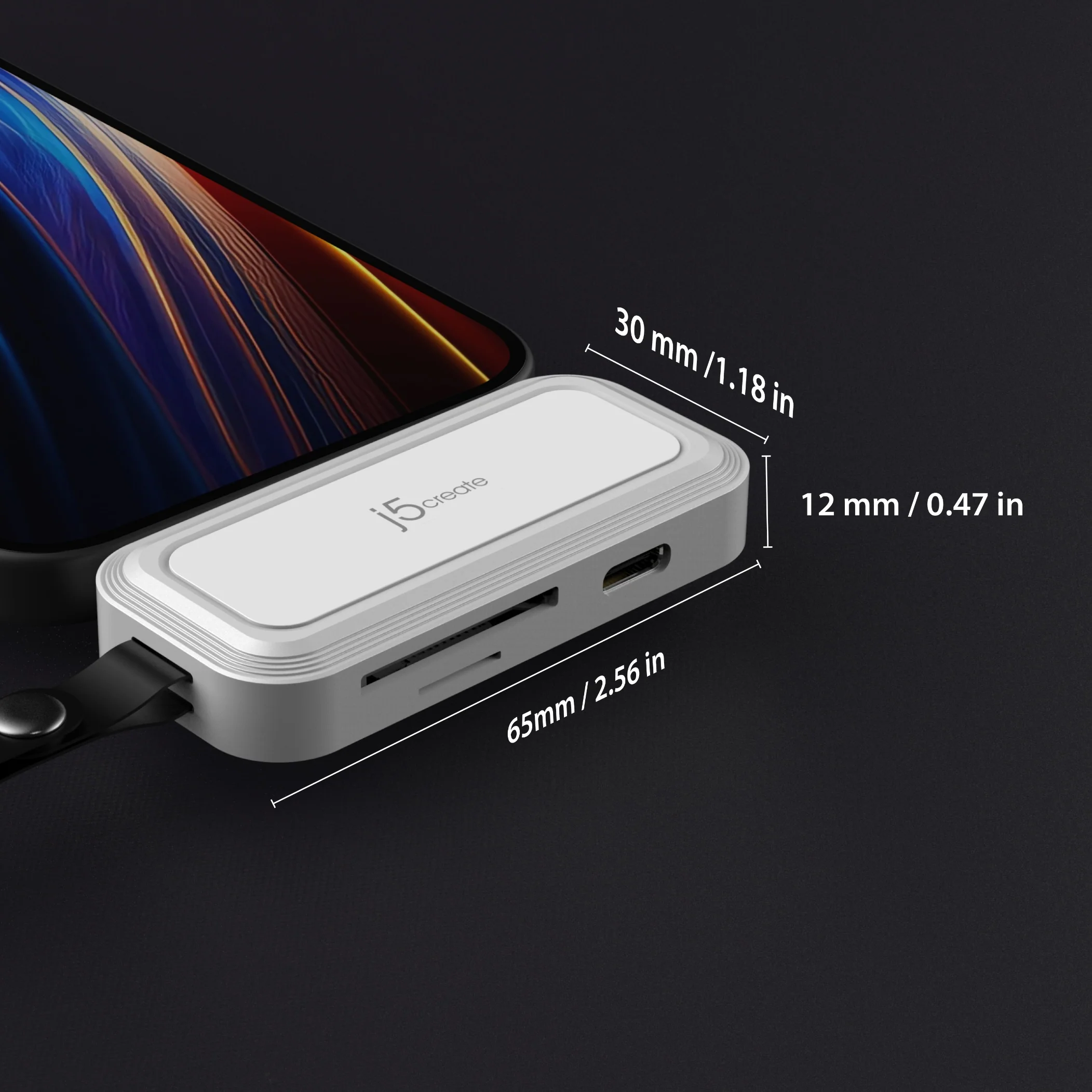
Featuring pocket-sized dimensions and a premium appearance

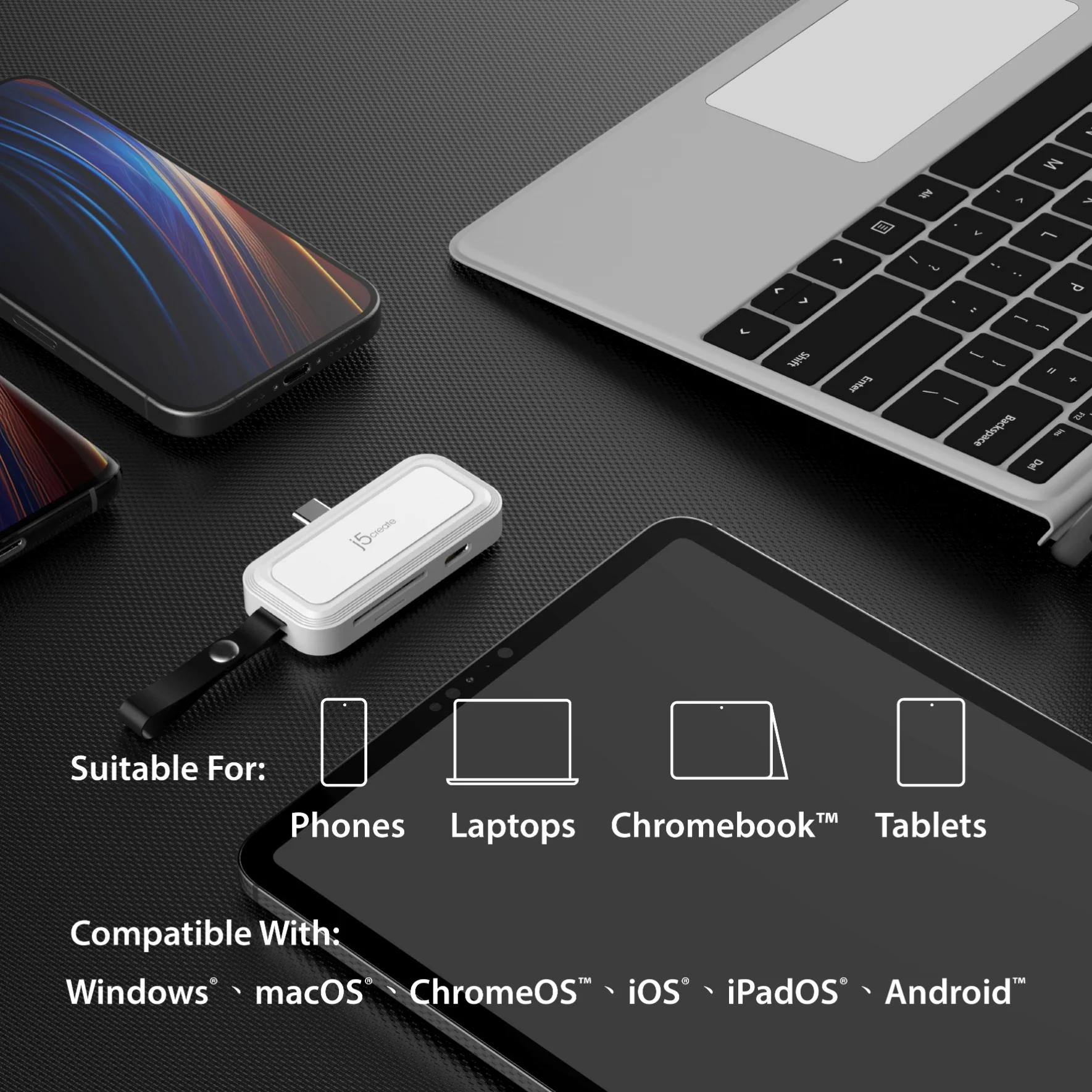
Compatible with a wide range of USB-C® devices, such as the iPhone® 15 series, Galaxy™ S24, tablets, and more.

More Images
USB-C® to SD™ /microSD™ Adapter for Smartphones
Perfect for Android™ phone and iPhone®15 series
Compatible with USB™ 3.2 Gen1 and supports UHS-I mode with speeds up to 104MB/s
Available j5 SYNC App for Android™
Hassle-Free Backup on Android™
Supports backup to the cloud storage
Take pictures or record videos on the memory card
Supports backing up your photos and organizing them by date or your customized albums.
No need to worry about duplicate backups when switching memory cards
When a memory card is full, simply switch to another card.
Backup will continue from the previous record, saving you time by not having to back up all the files again.
(Must enable “Ignore previous backup items” in Backup Settings first.)
Effortlessly transfer files with the support of the Files app on iPhone®
Worry-free backup while charging!
Store your data and save money with an expandable memory card, ensuring privacy and peace of mind
Supports SD™/microSD™, SDHC™/microSDHC™, and SDXC™/microSDXC ™ with up to 2TB of storage
Fits your smartphone without having to remove the protective case
Featuring pocket-sized dimensions and a premium appearance
Compatible with a wide range of USB-C® devices, such as the iPhone® 15 series, Galaxy™ S24, tablets, and more.
Product Information
Product Information
Shipping & Returns
Shipping & Returns
Description
Perfect for Android™ phone and iPhone®15 series
Compatible with USB™ 3.2 Gen1 and supports UHS-I mode with speeds up to 104MB/s
Available j5 SYNC App for Android™
Hassle-Free Backup on Android™
Supports backup to the cloud storage
Take pictures or record videos on the memory card
Supports backing up your photos and organizing them by date or your customized albums.
No need to worry about duplicate backups when switching memory cards
When a memory card is full, simply switch to another card.
Backup will continue from the previous record, saving you time by not having to back up all the files again.
(Must enable “Ignore previous backup items” in Backup Settings first.)
Effortlessly transfer files with the support of the Files app on iPhone®
Worry-free backup while charging!
Store your data and save money with an expandable memory card, ensuring privacy and peace of mind
Supports SD™/microSD™, SDHC™/microSDHC™, and SDXC™/microSDXC ™ with up to 2TB of storage
Fits your smartphone without having to remove the protective case
Featuring pocket-sized dimensions and a premium appearance
Compatible with a wide range of USB-C® devices, such as the iPhone® 15 series, Galaxy™ S24, tablets, and more.