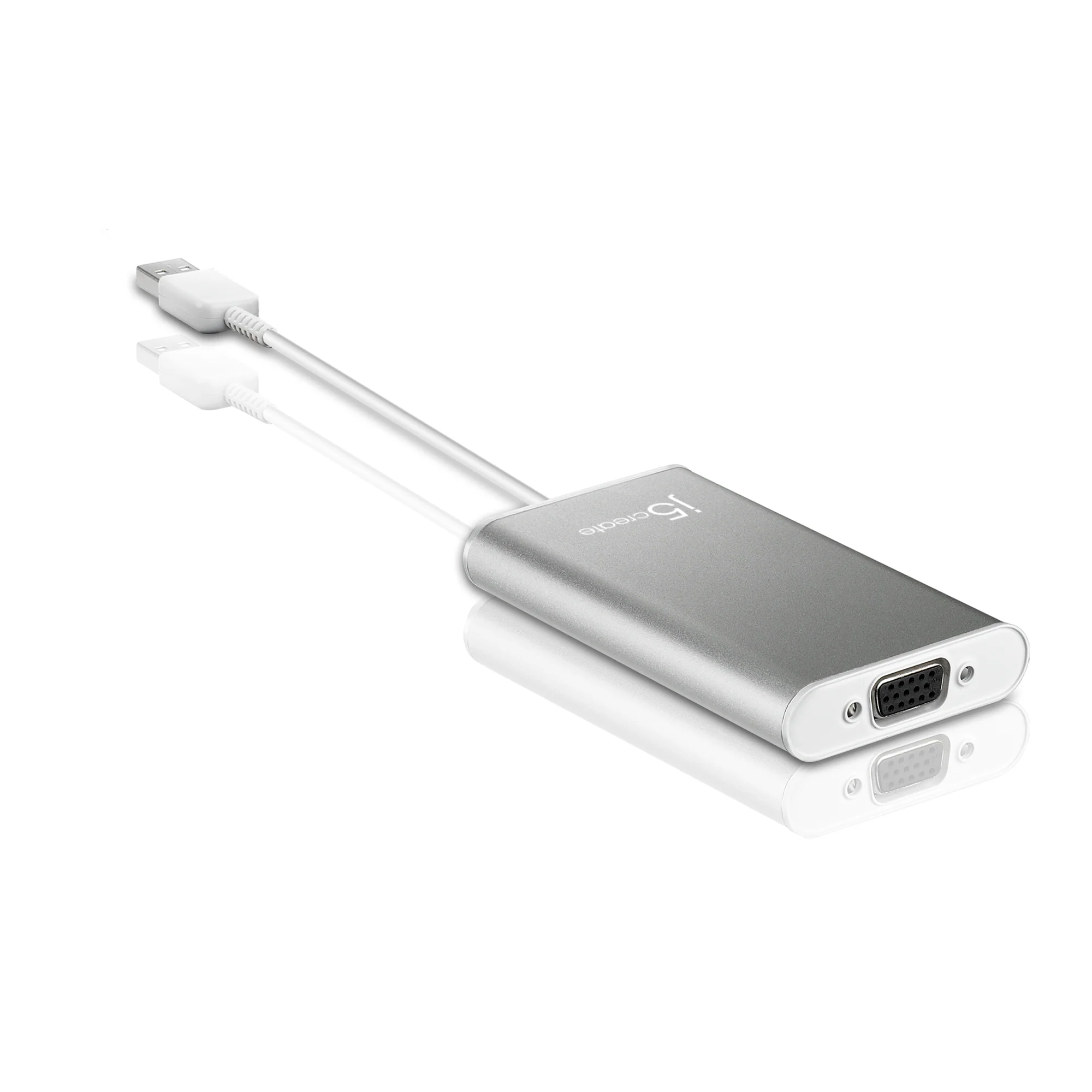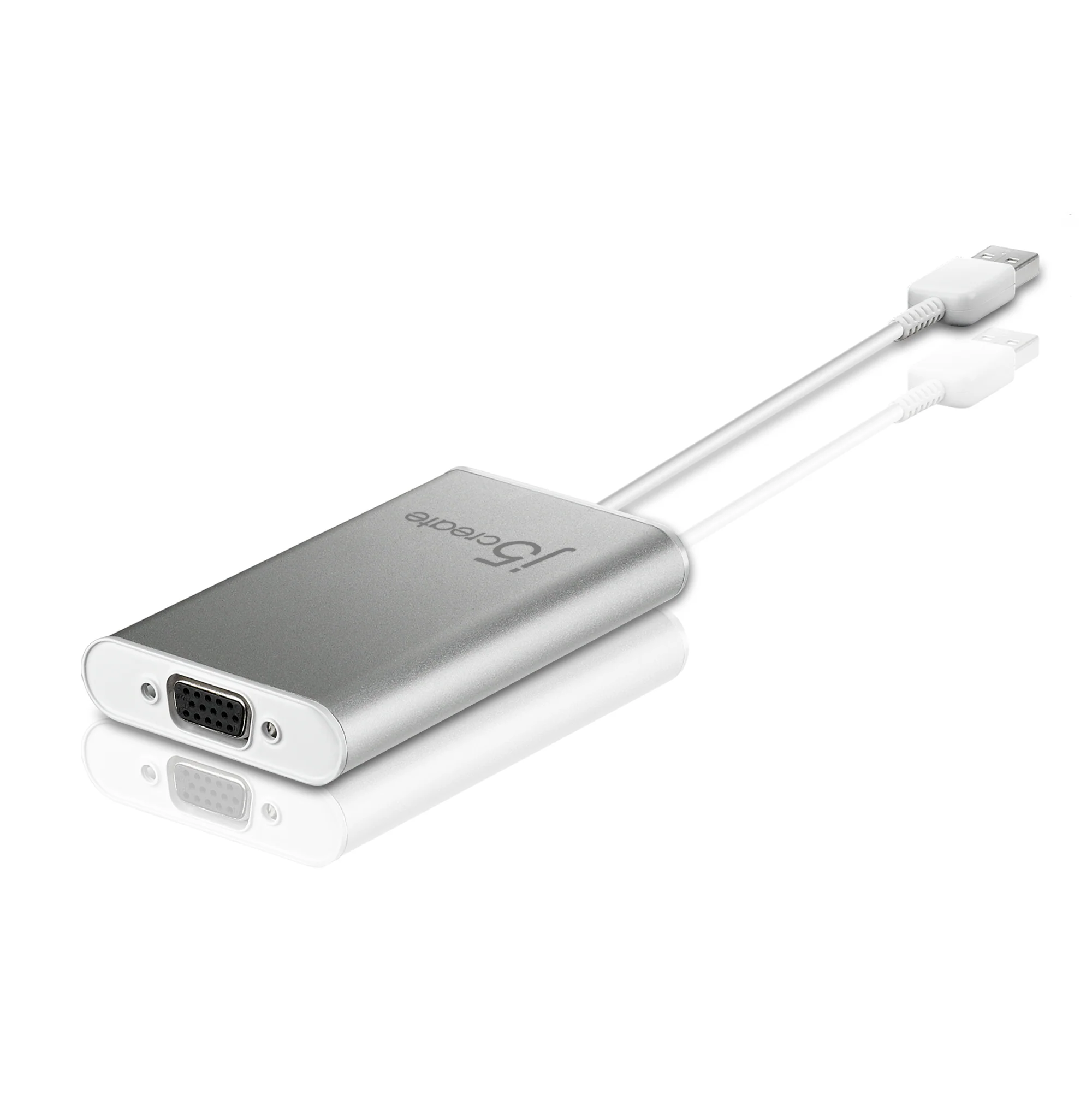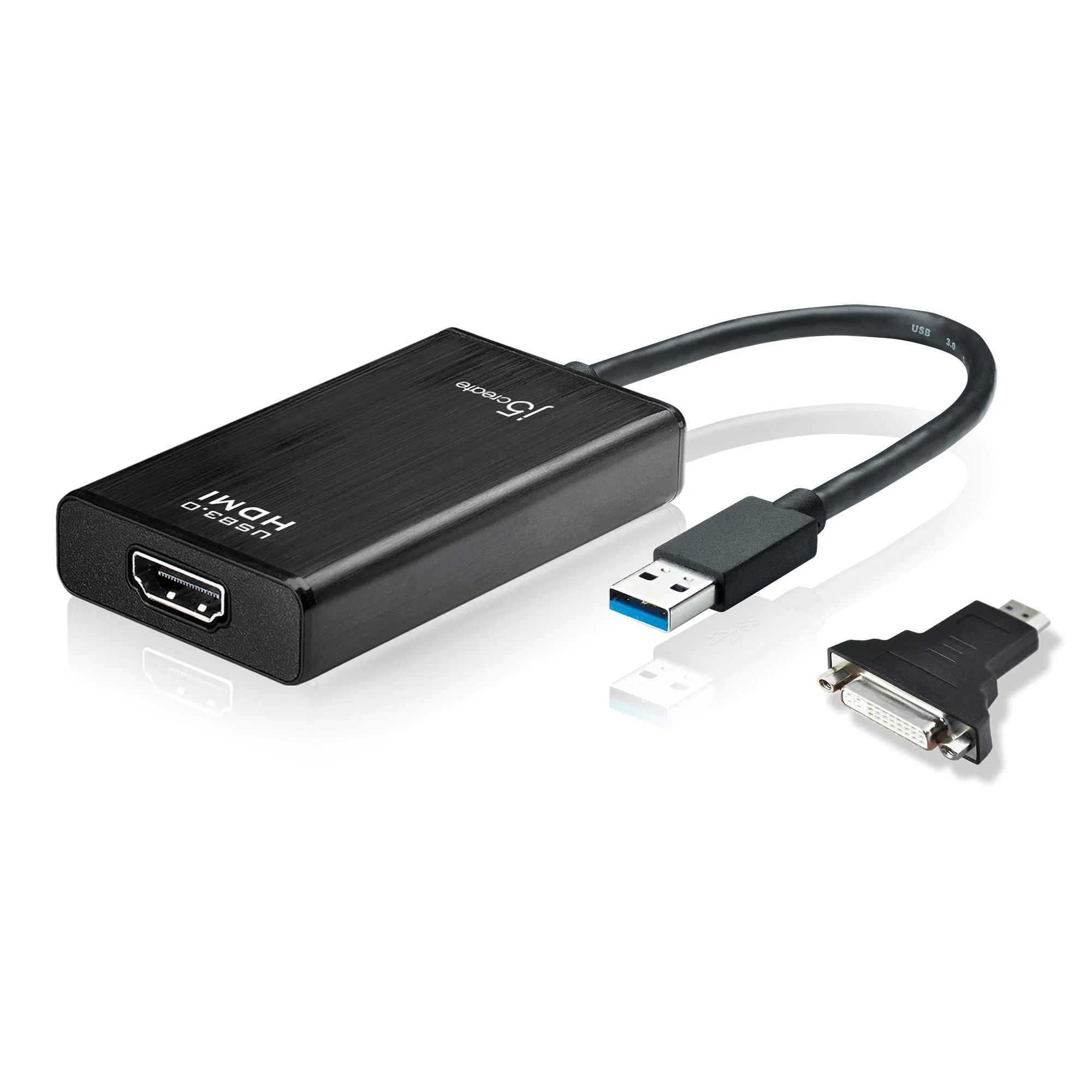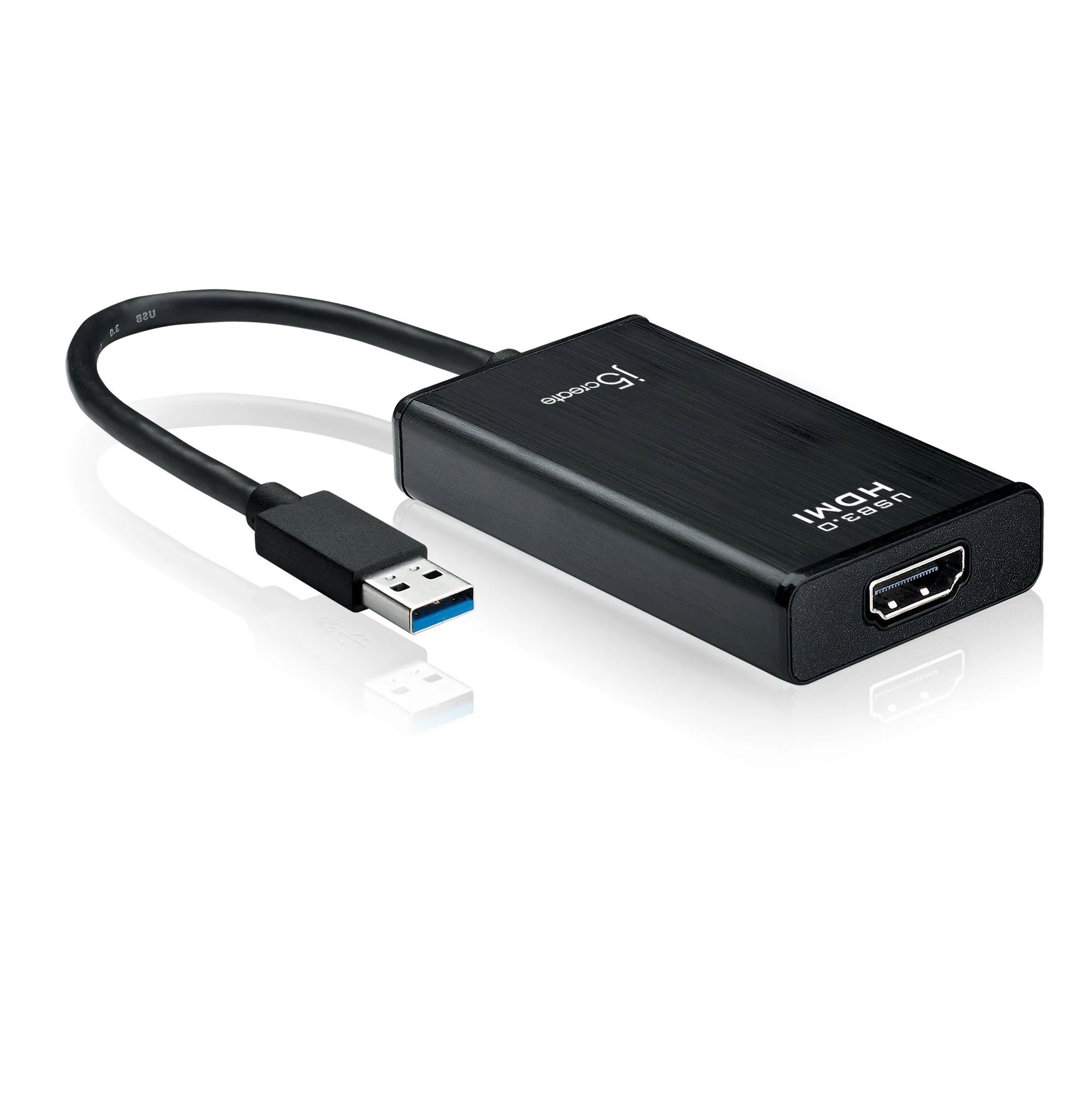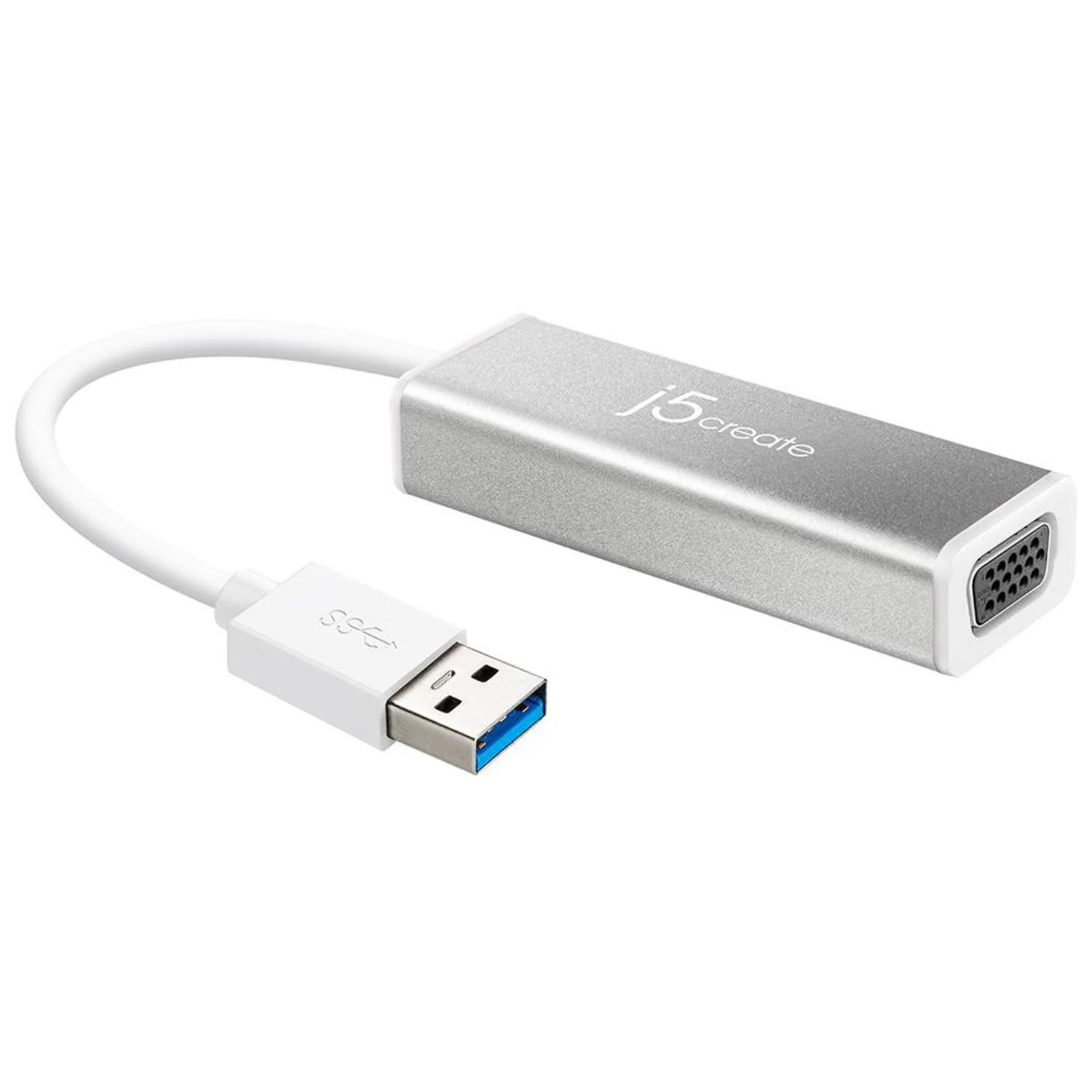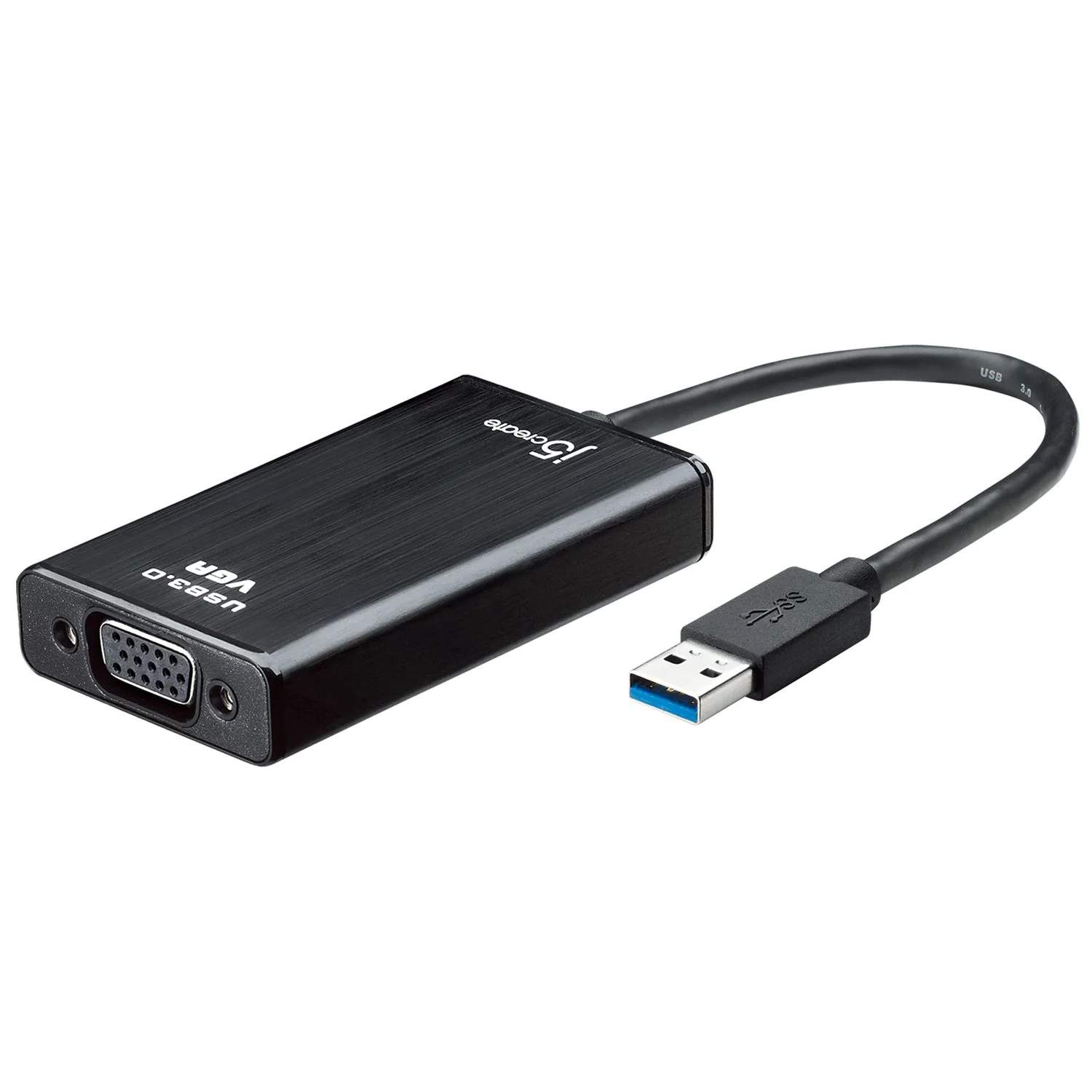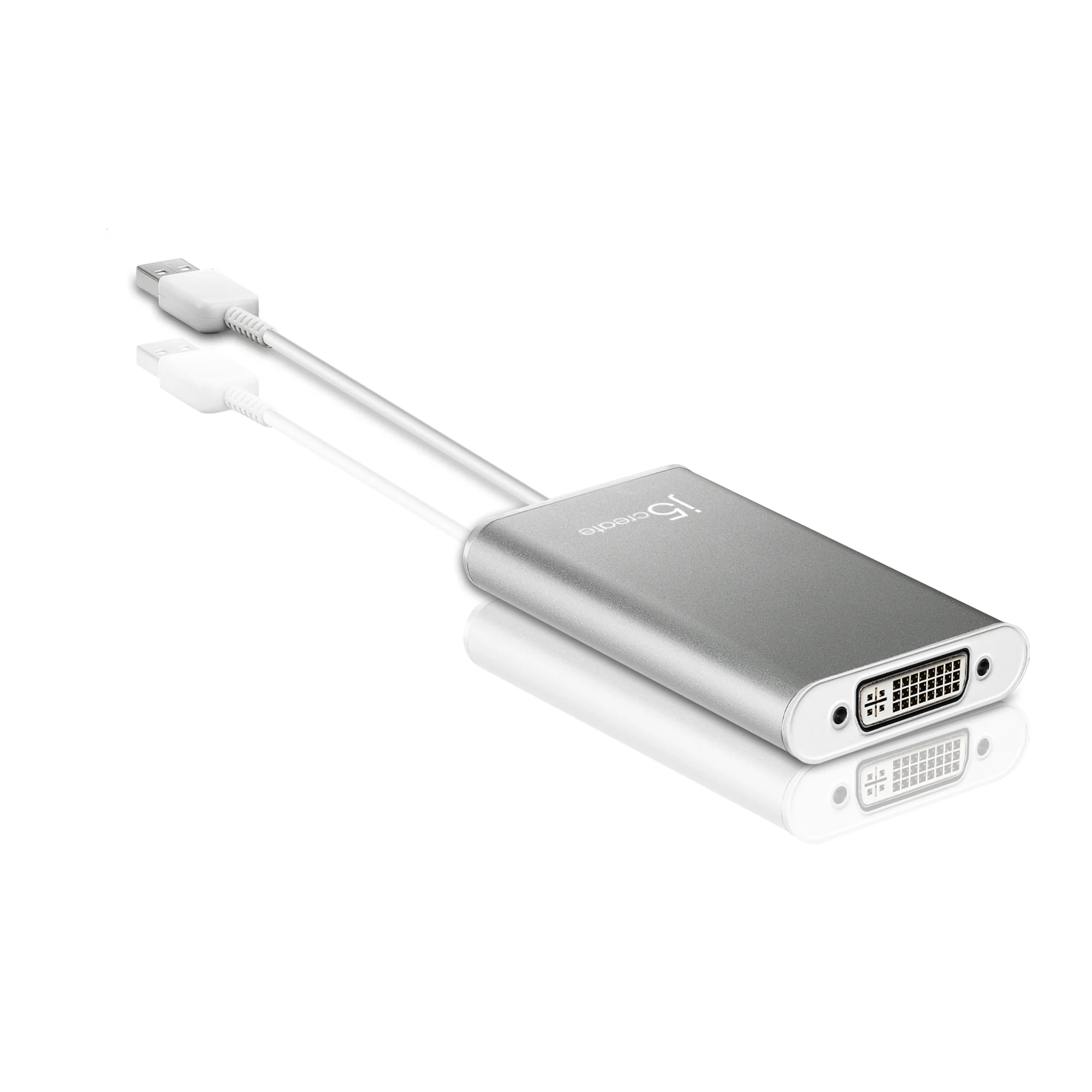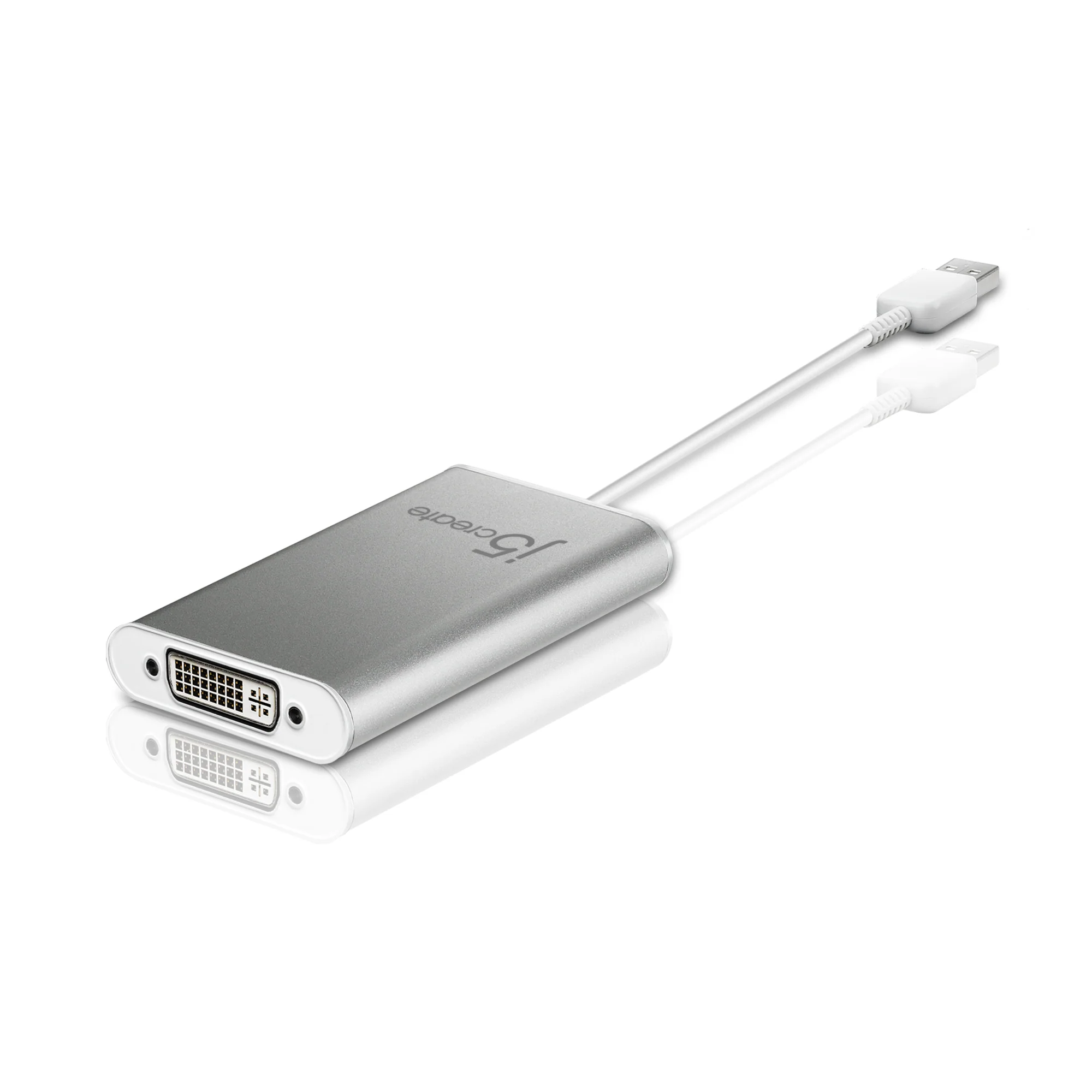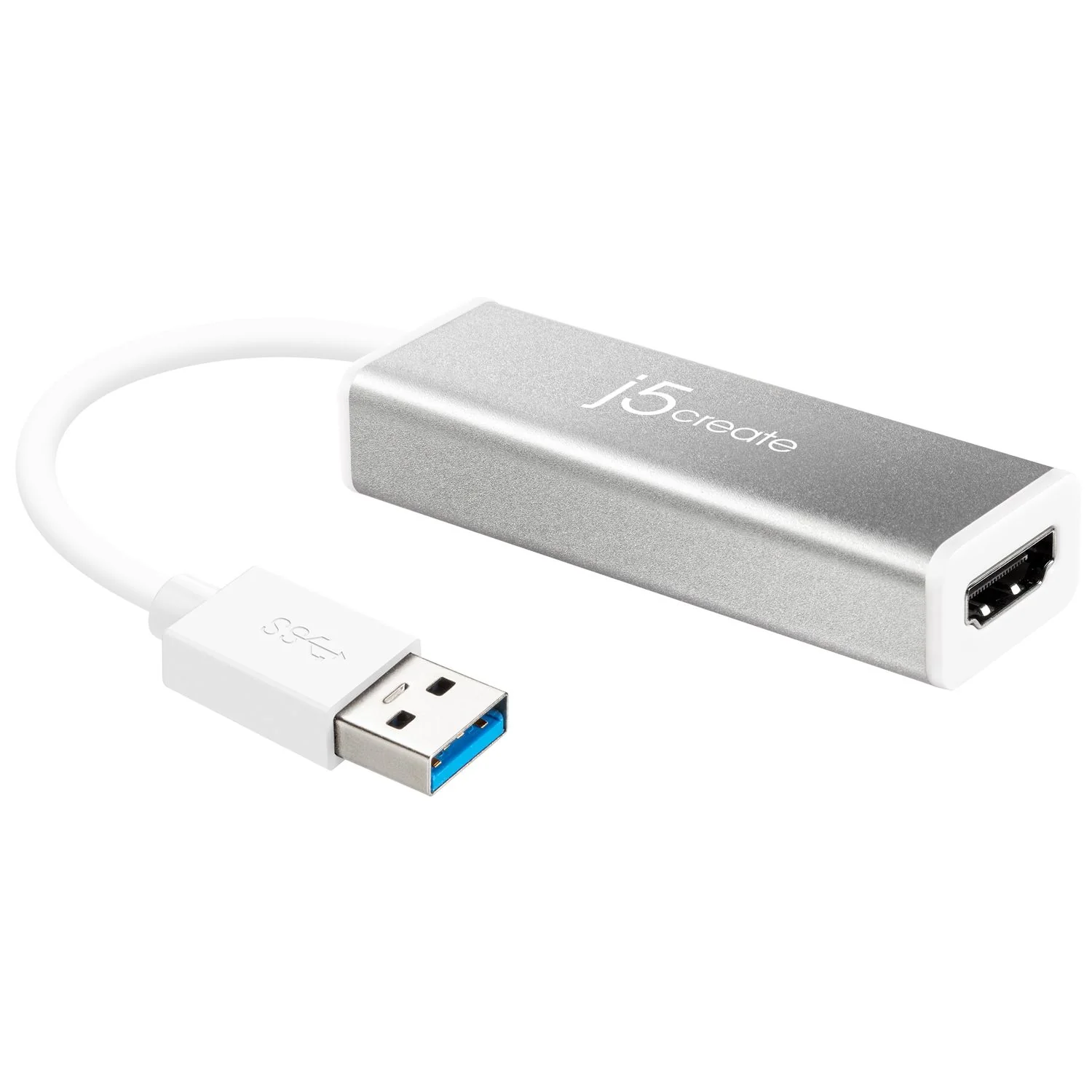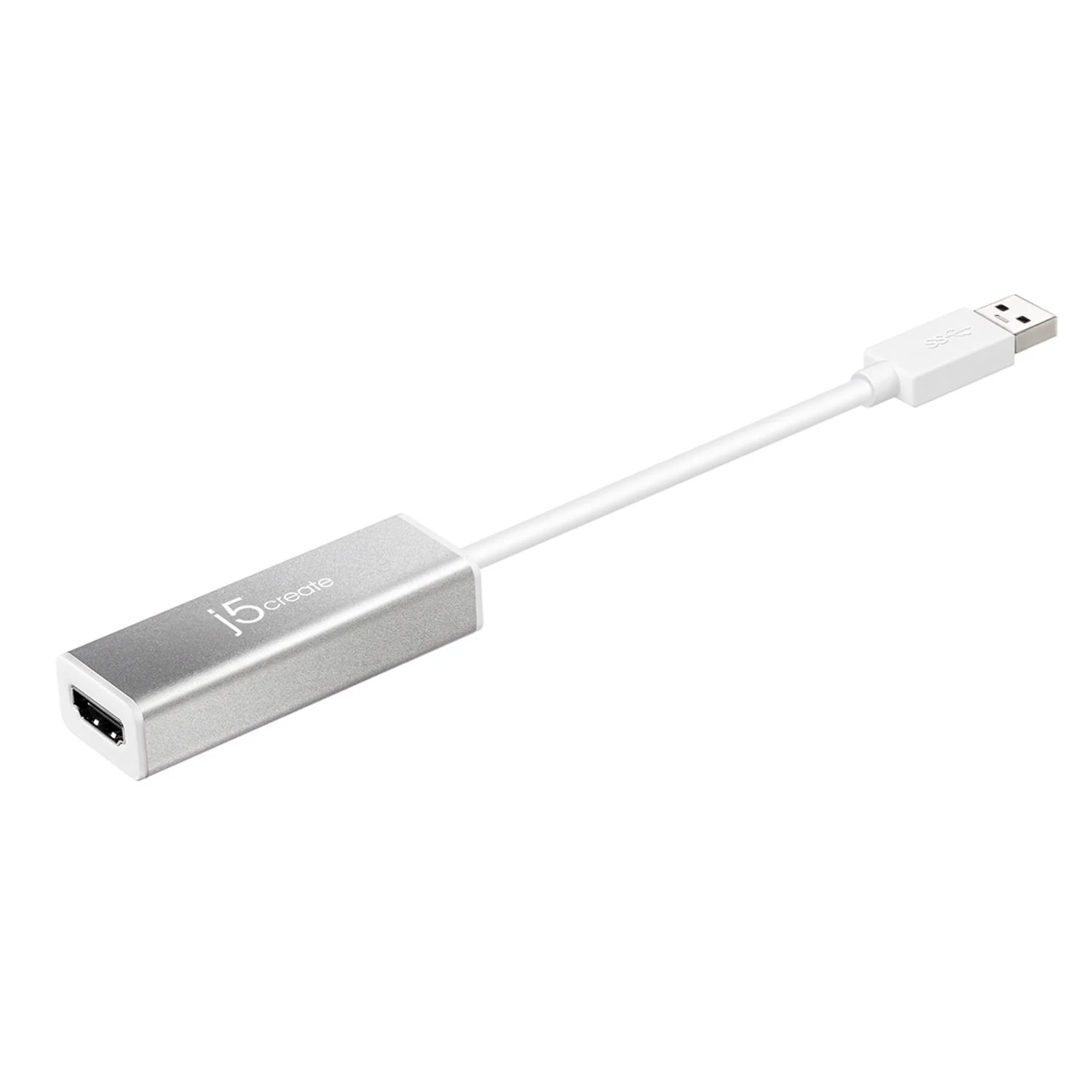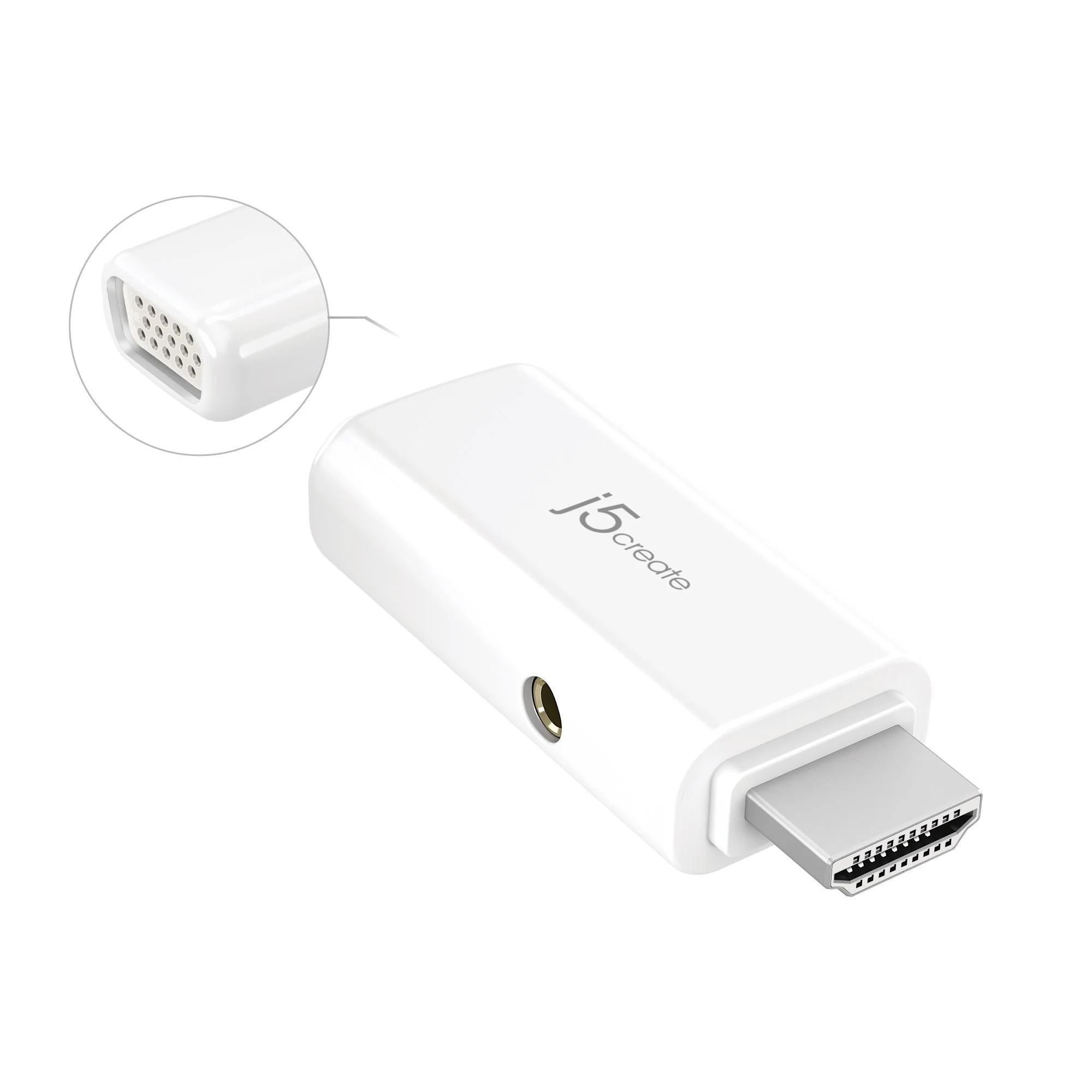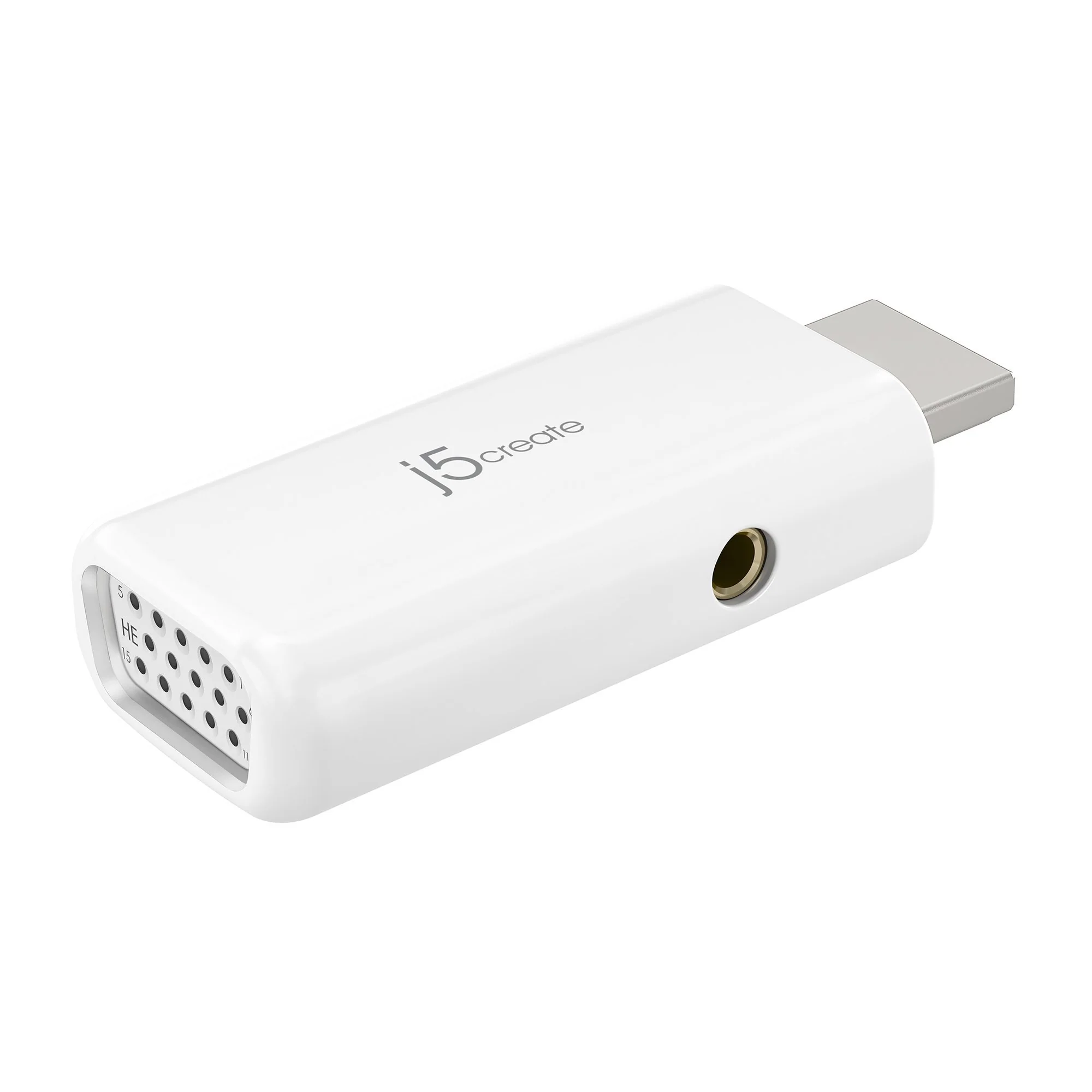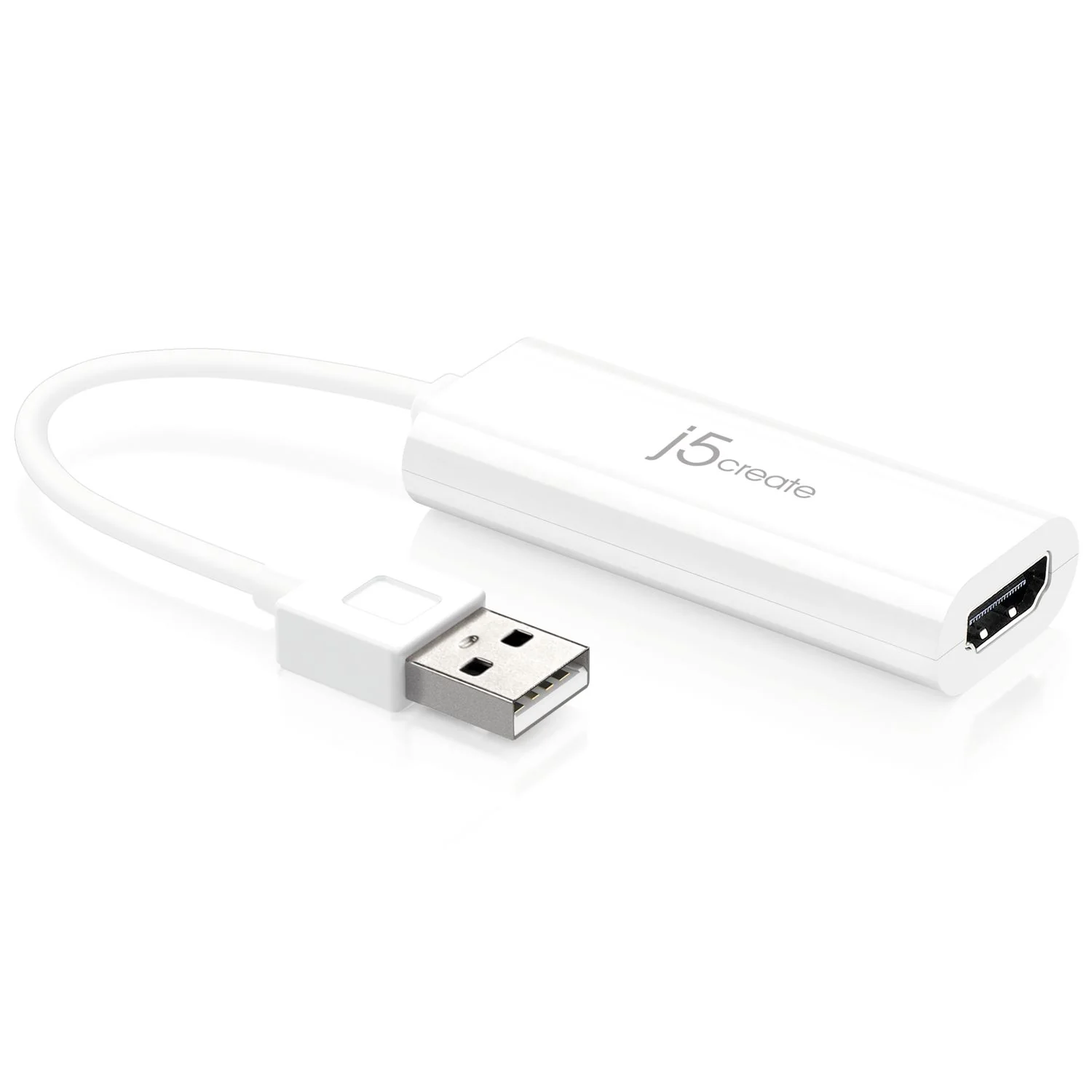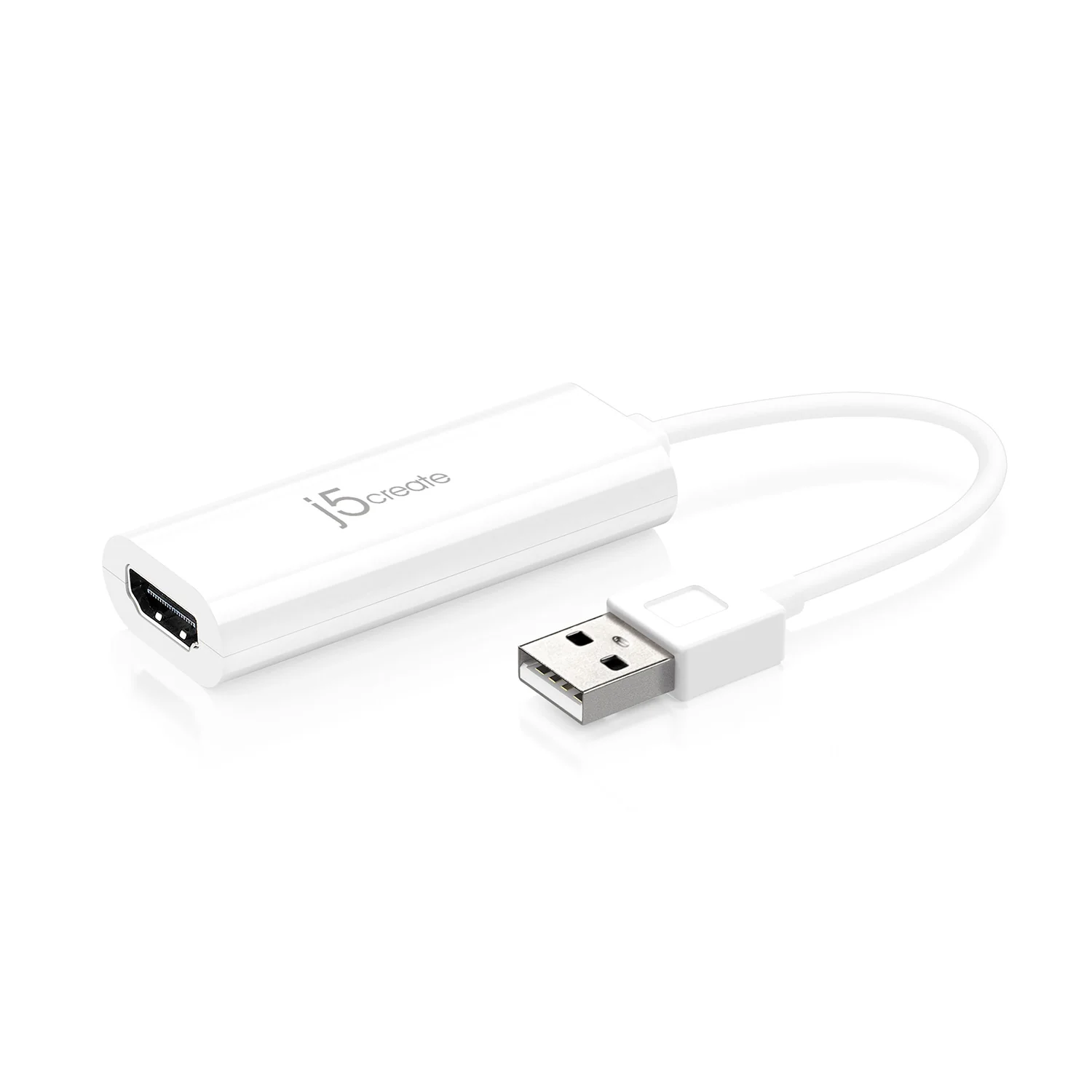
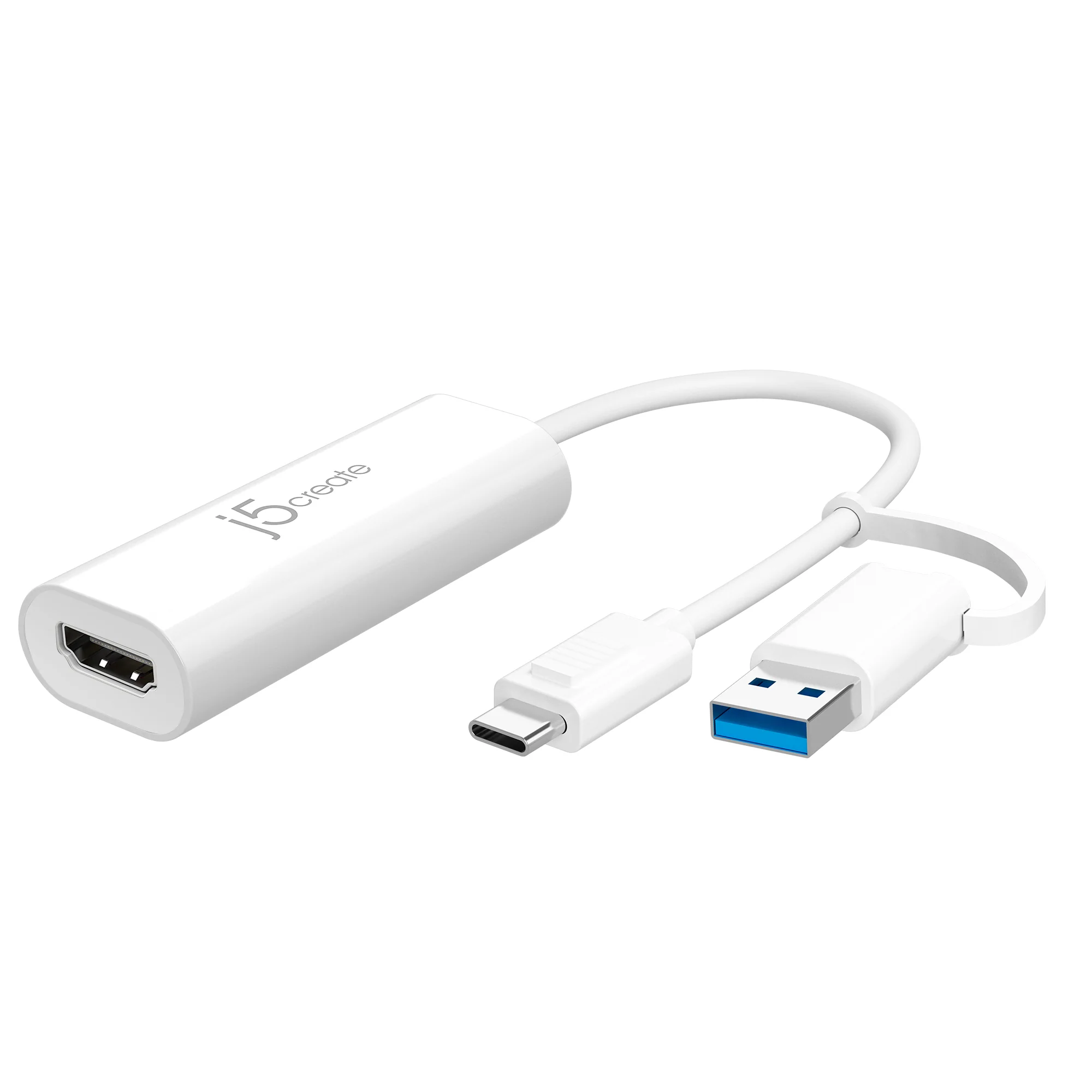
USB™ to HDMI™ Multi-Monitor Adapter

Effortless Display Expansion via USB-C® or Type-A
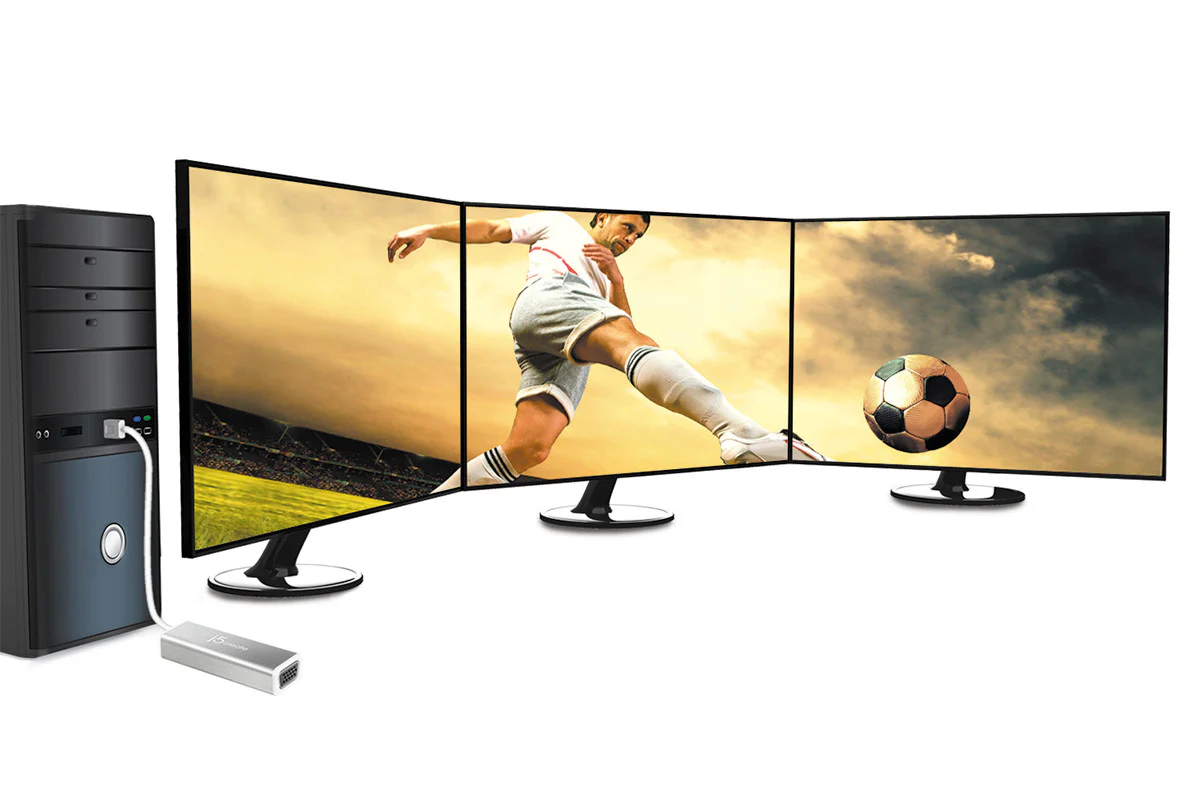
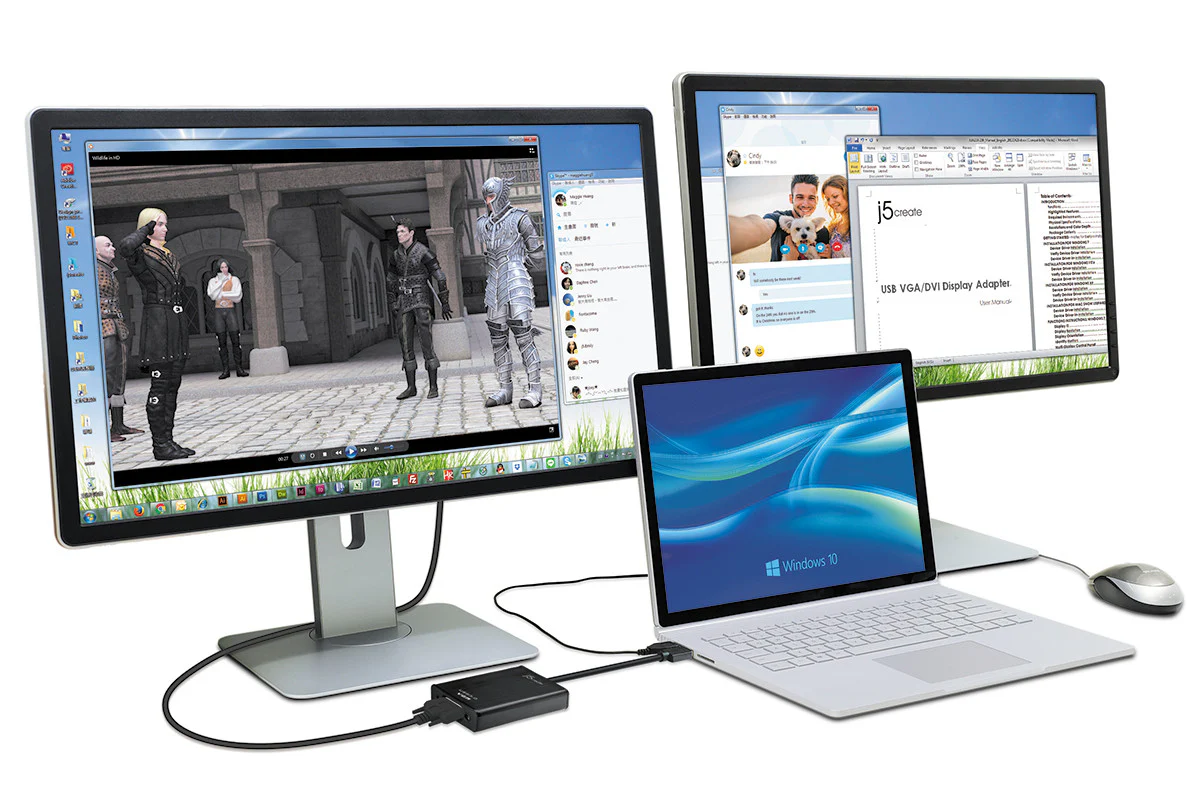
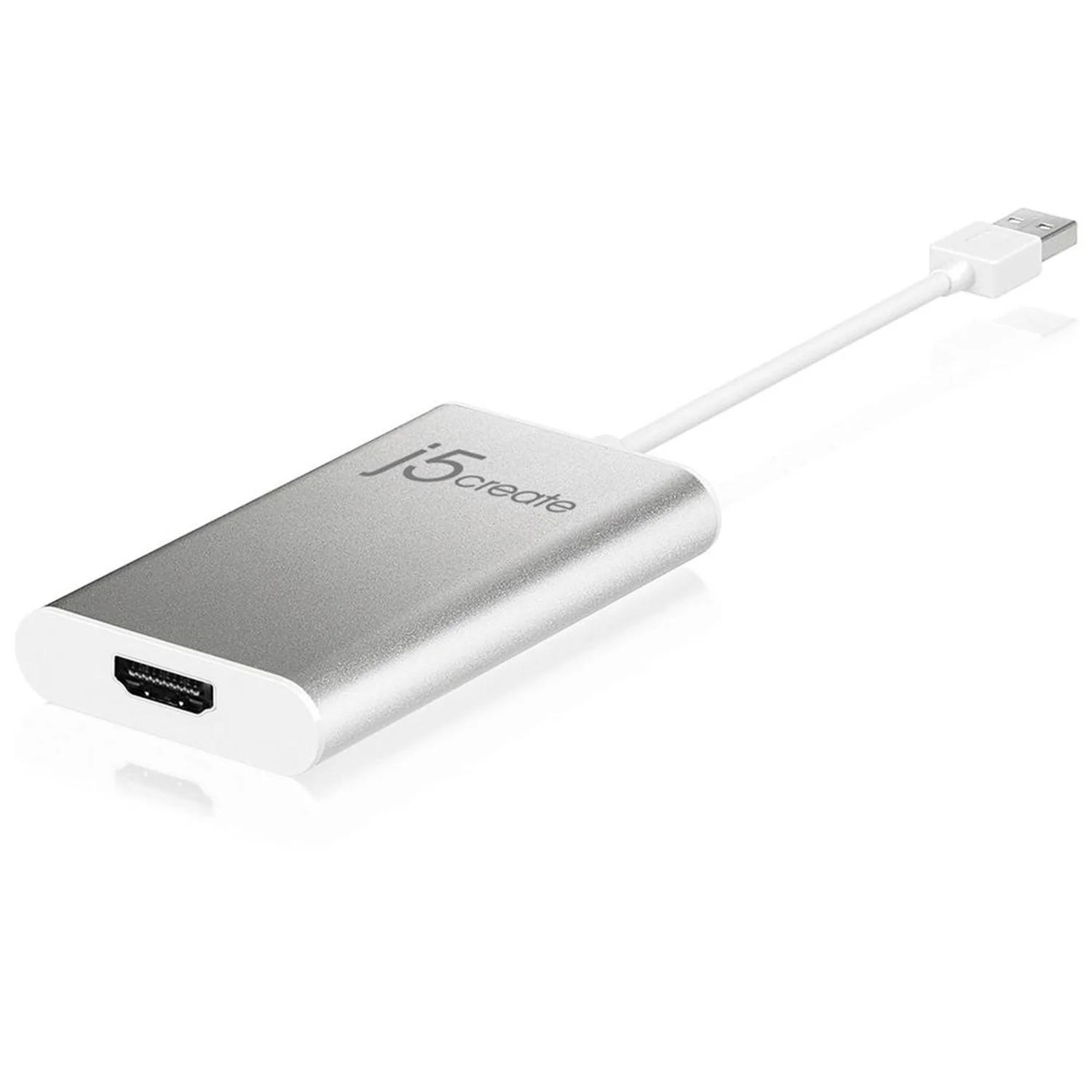
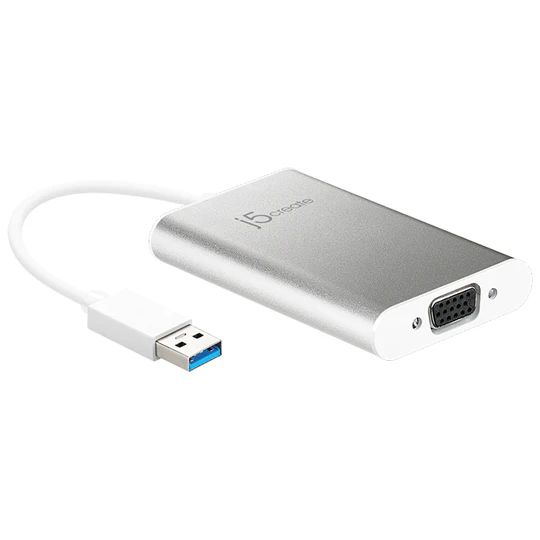
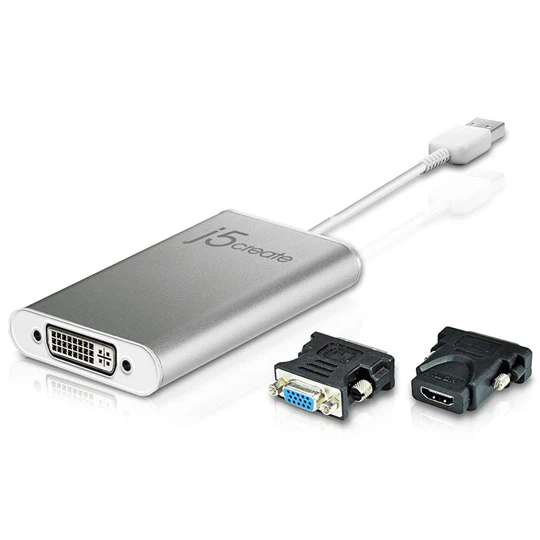
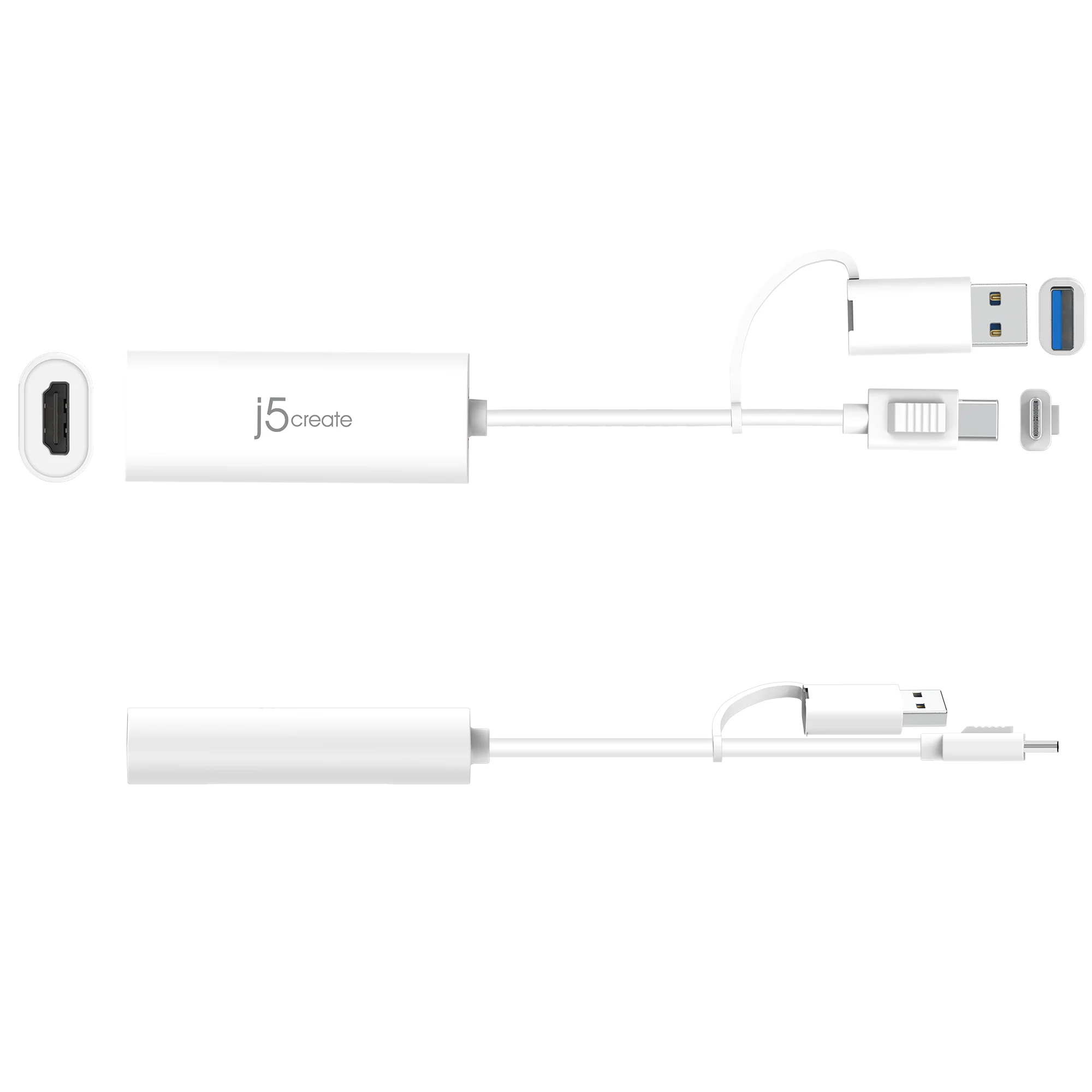
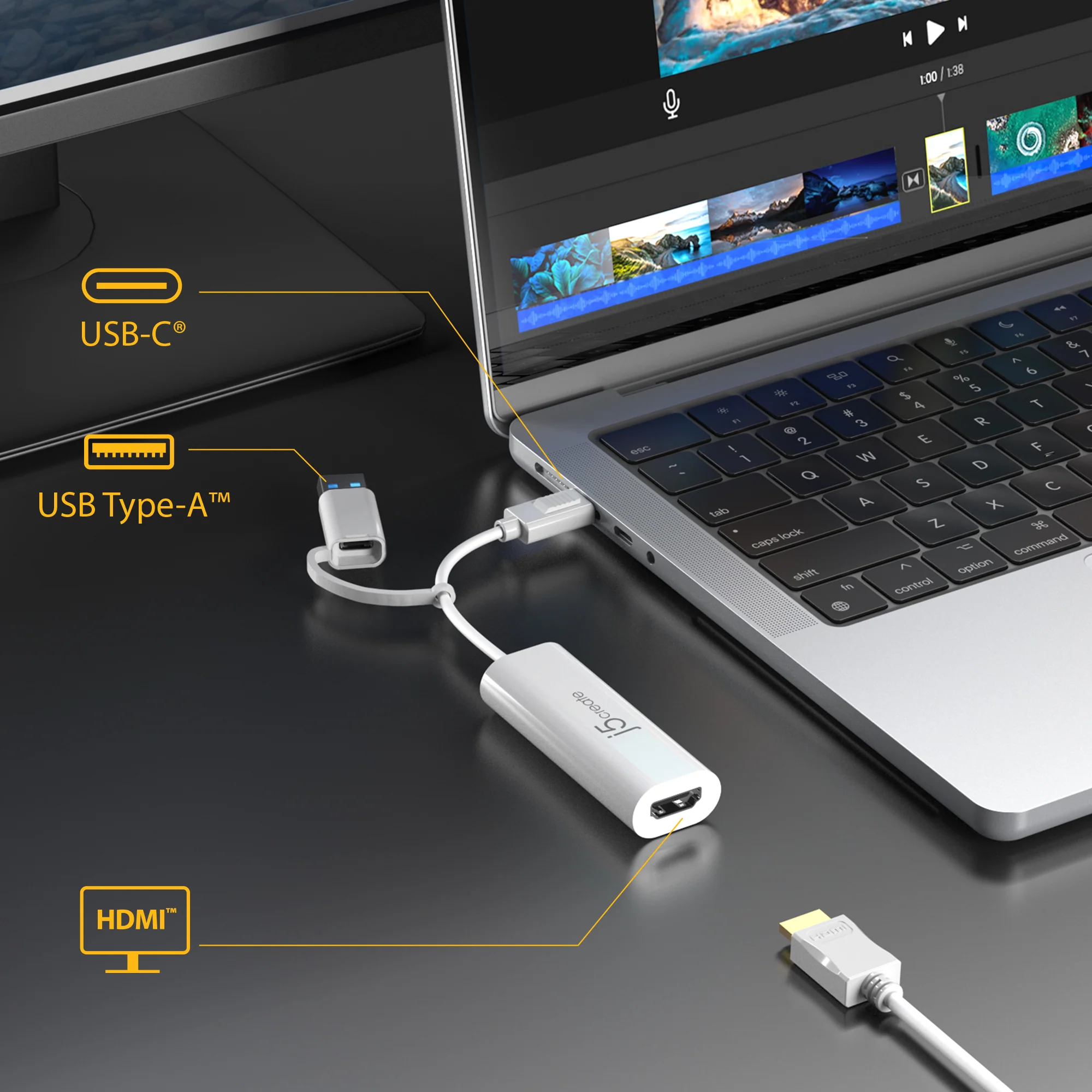
Easily add an additional display through the USB-C® or Type-A and HDMI™ connection.


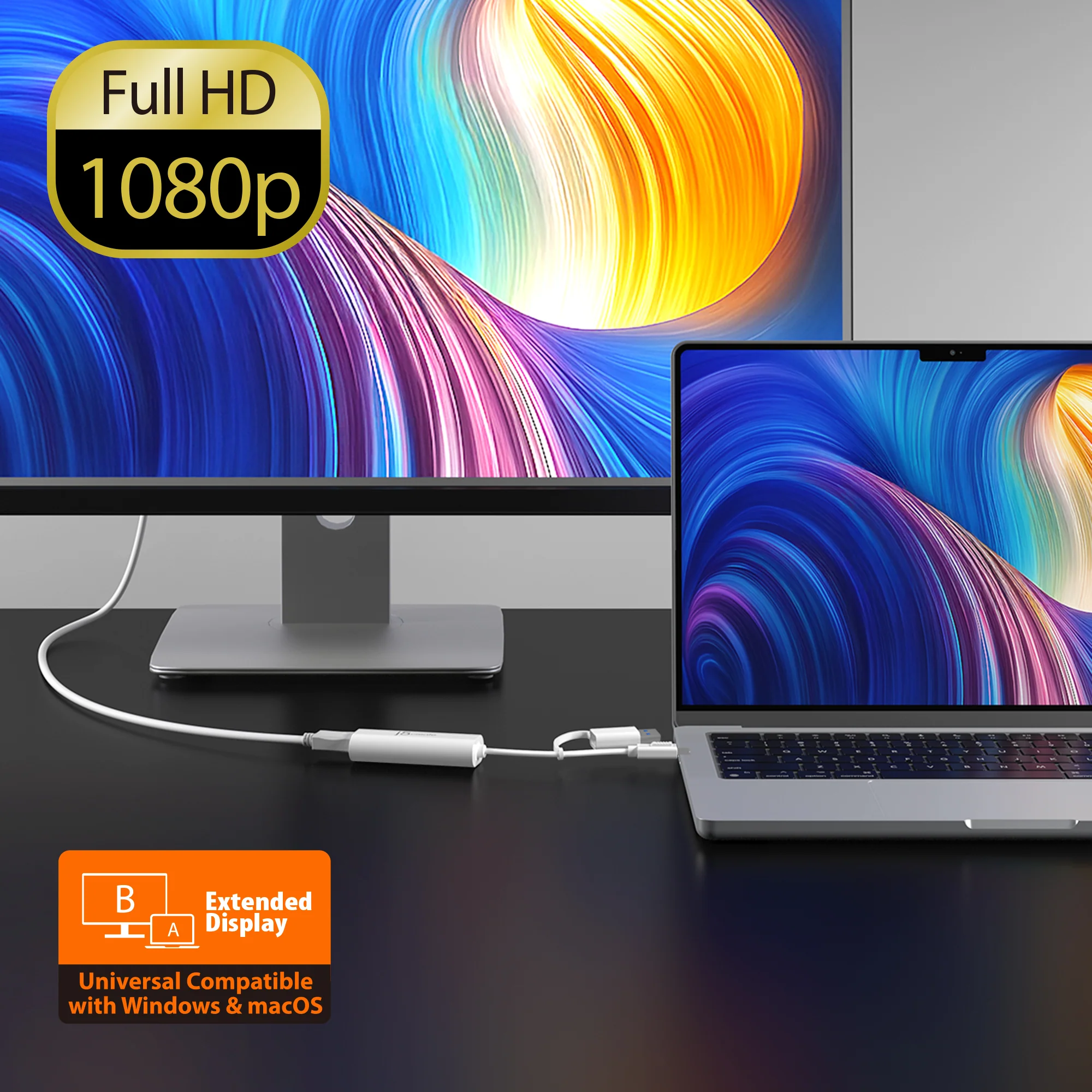
Full HD Output up to 2048×1152
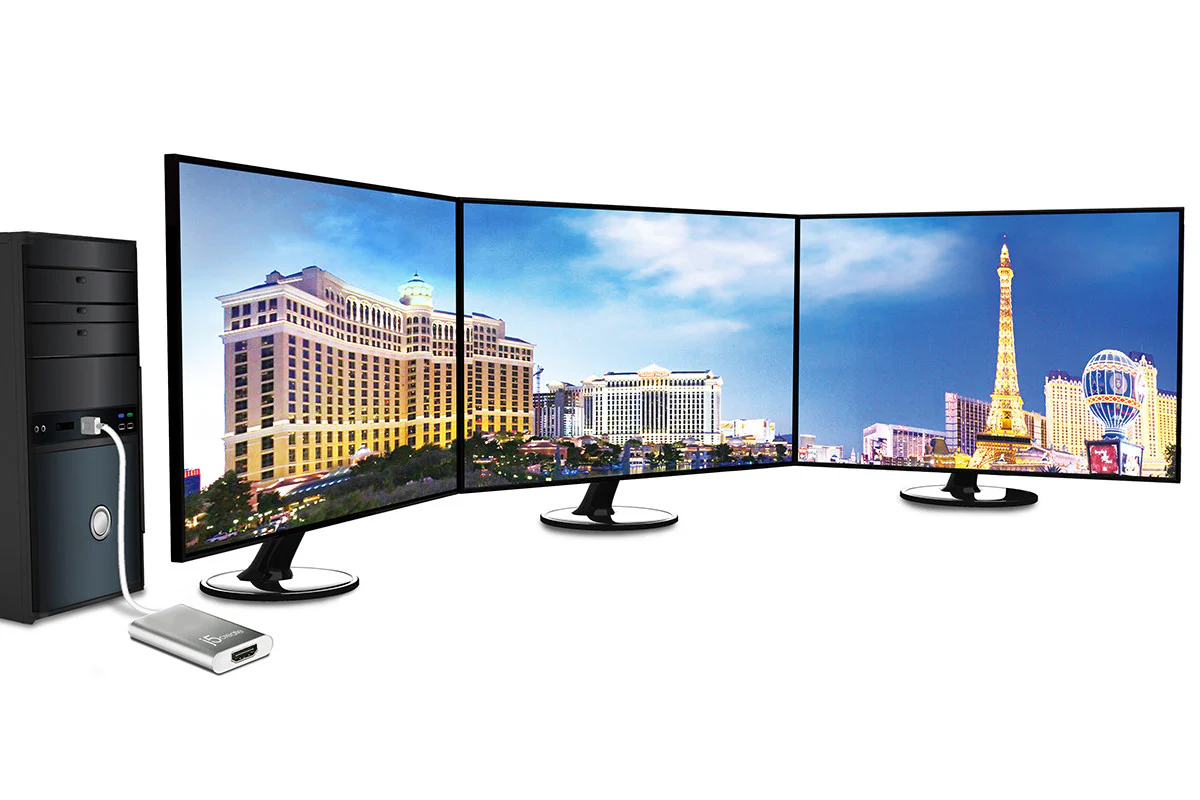
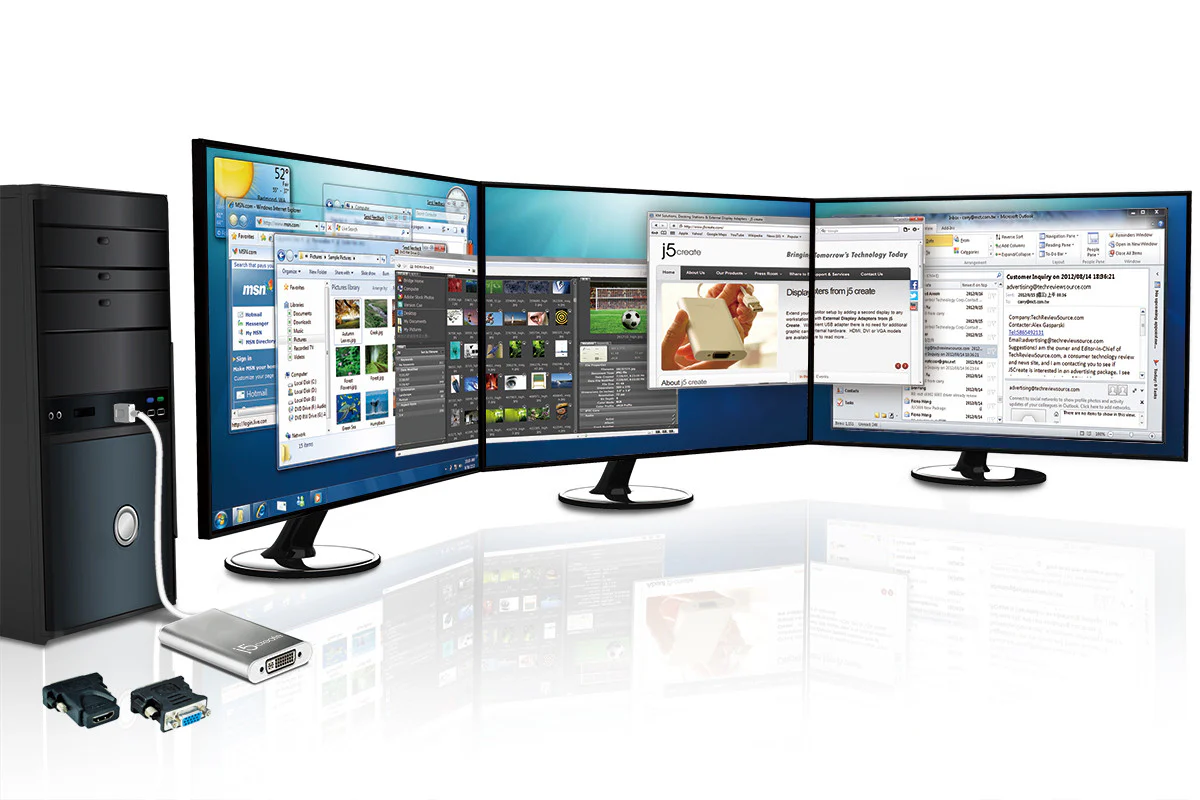
Ideal for viewing multiple windows at the same time.
Note: Driver installation is required for macOS® and Windows®. If the computer has network access and administrative rights, Windows® can automatically install the driver when the device is plugged in.
Flexible Multi-Display Options
Seamlessly switch between extended, mirrored, or primary display modes. Rotation mode is also available (not supported on macOS®), offering a tailored setup for your unique needs.

Wide Compatibility
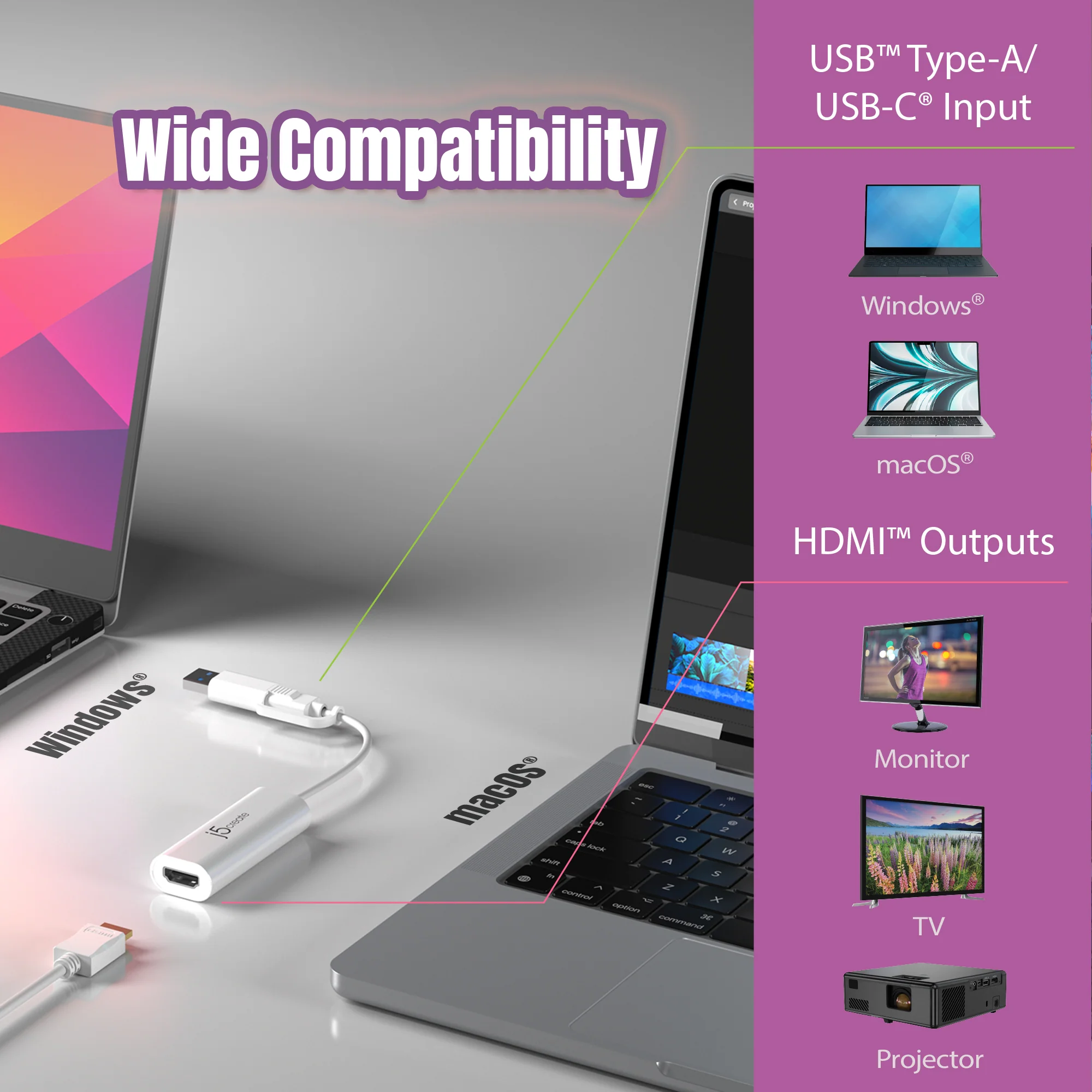
Lets you connect to a second display in seconds - compatible with Windows® 10 or later and macOS® 10.9 or later.

Dual USB™ Support with USB™ Type-A and USB-C®
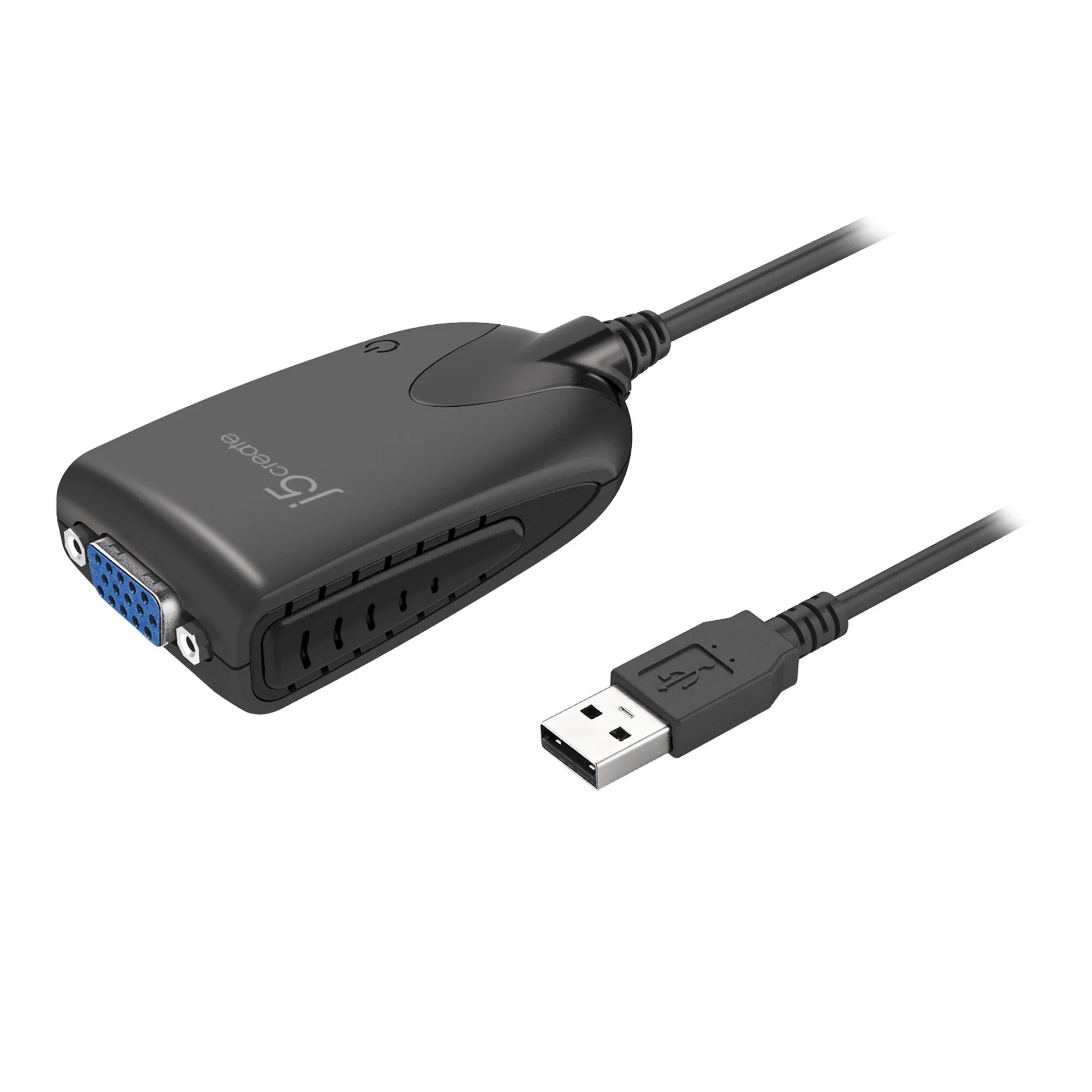
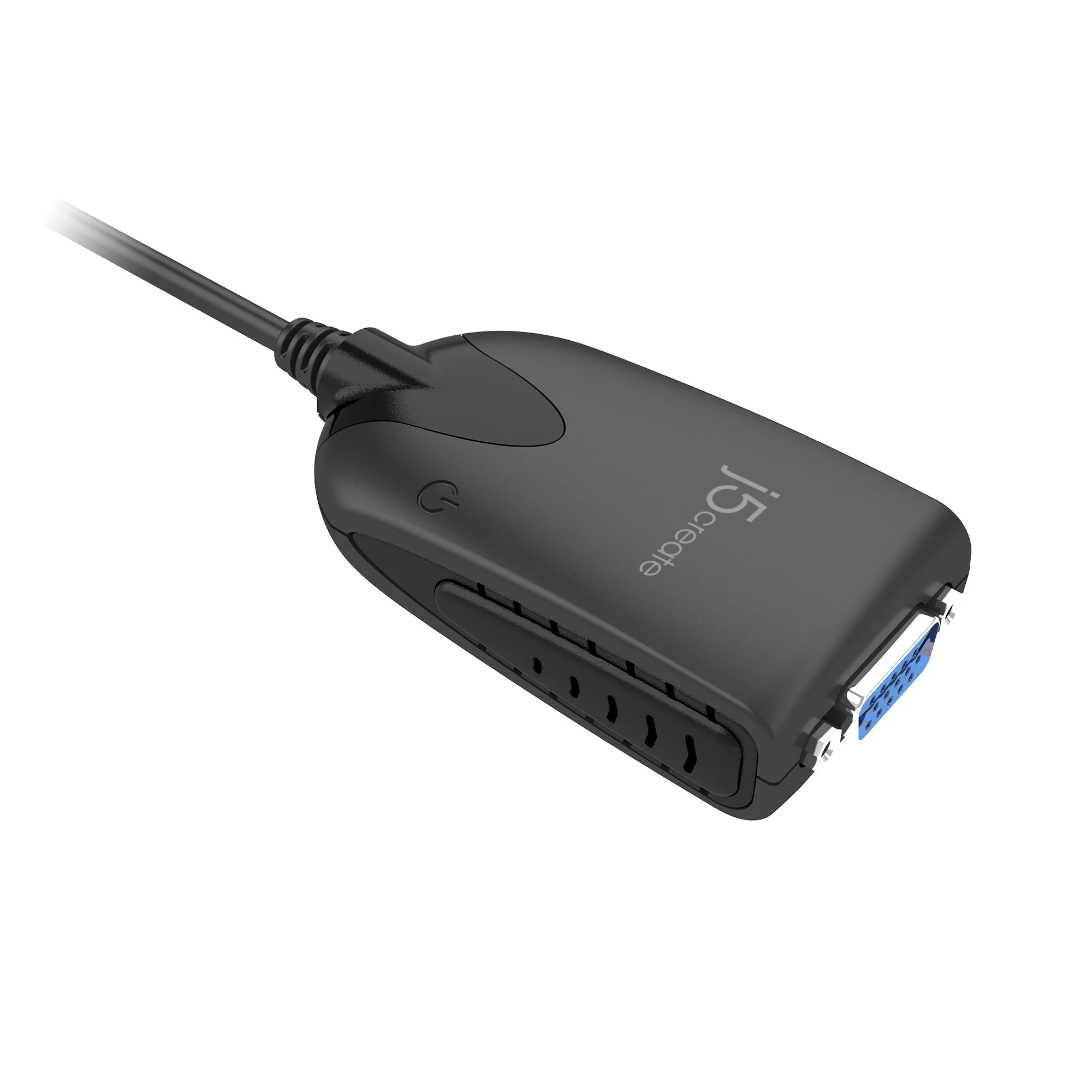
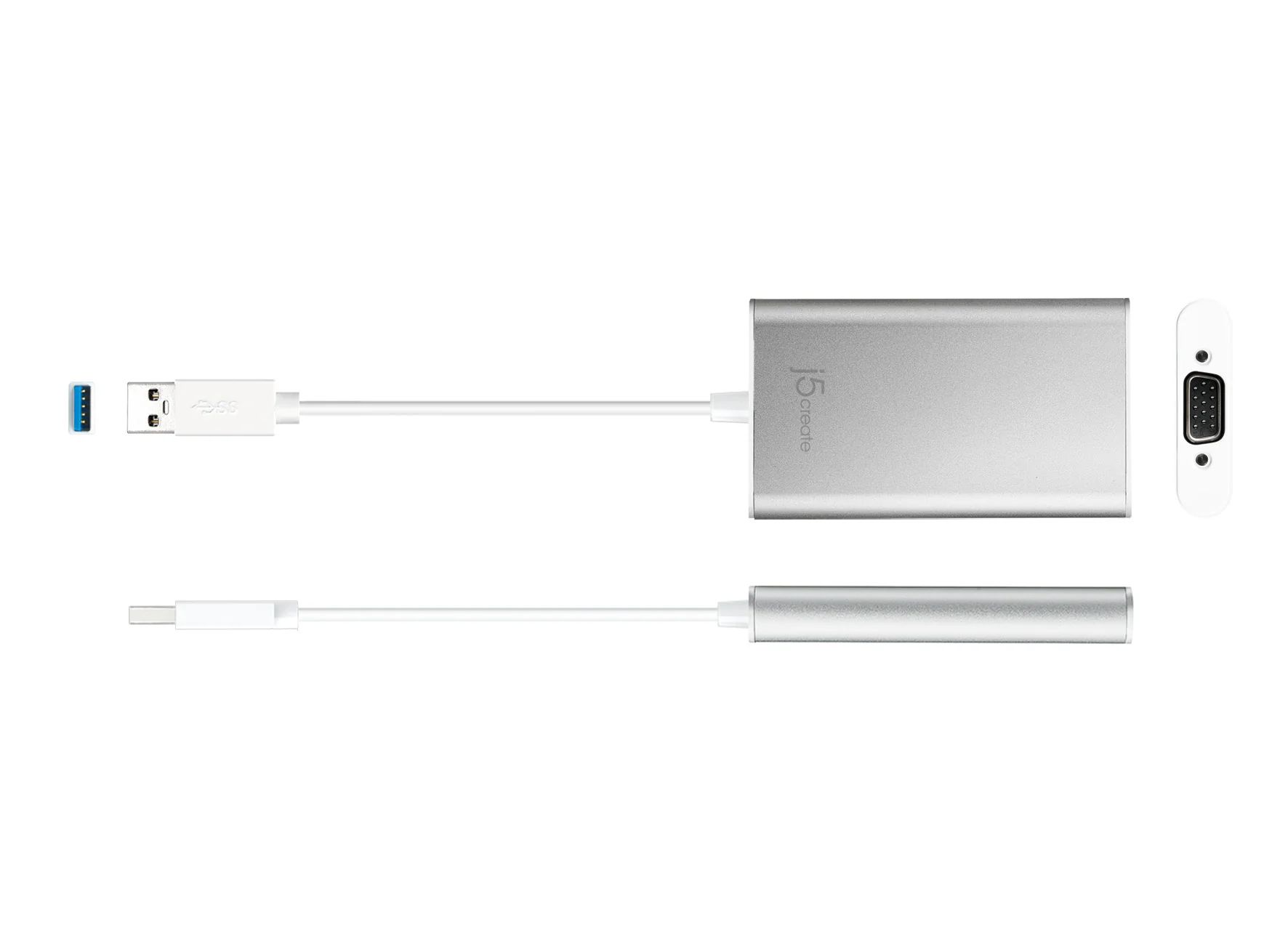
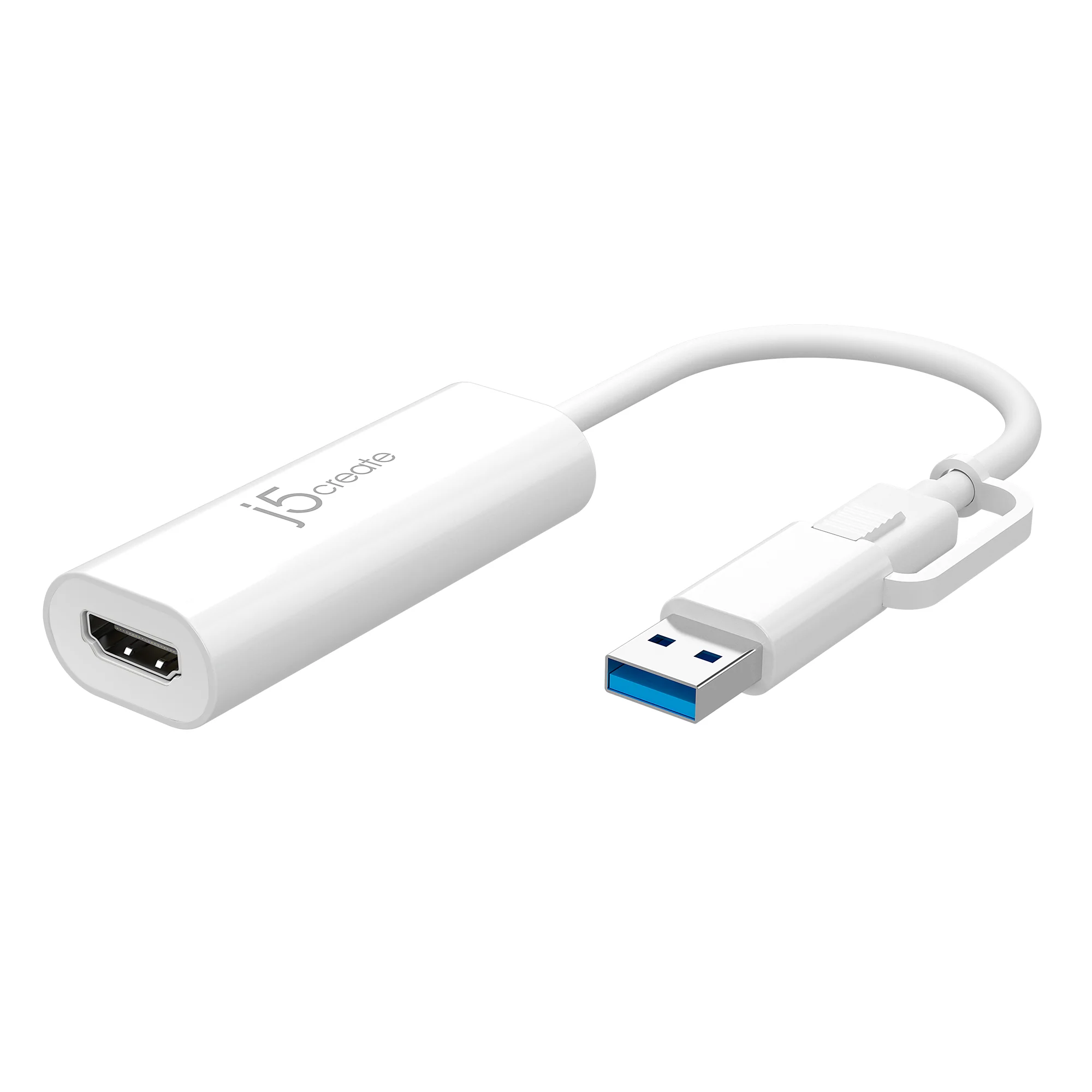
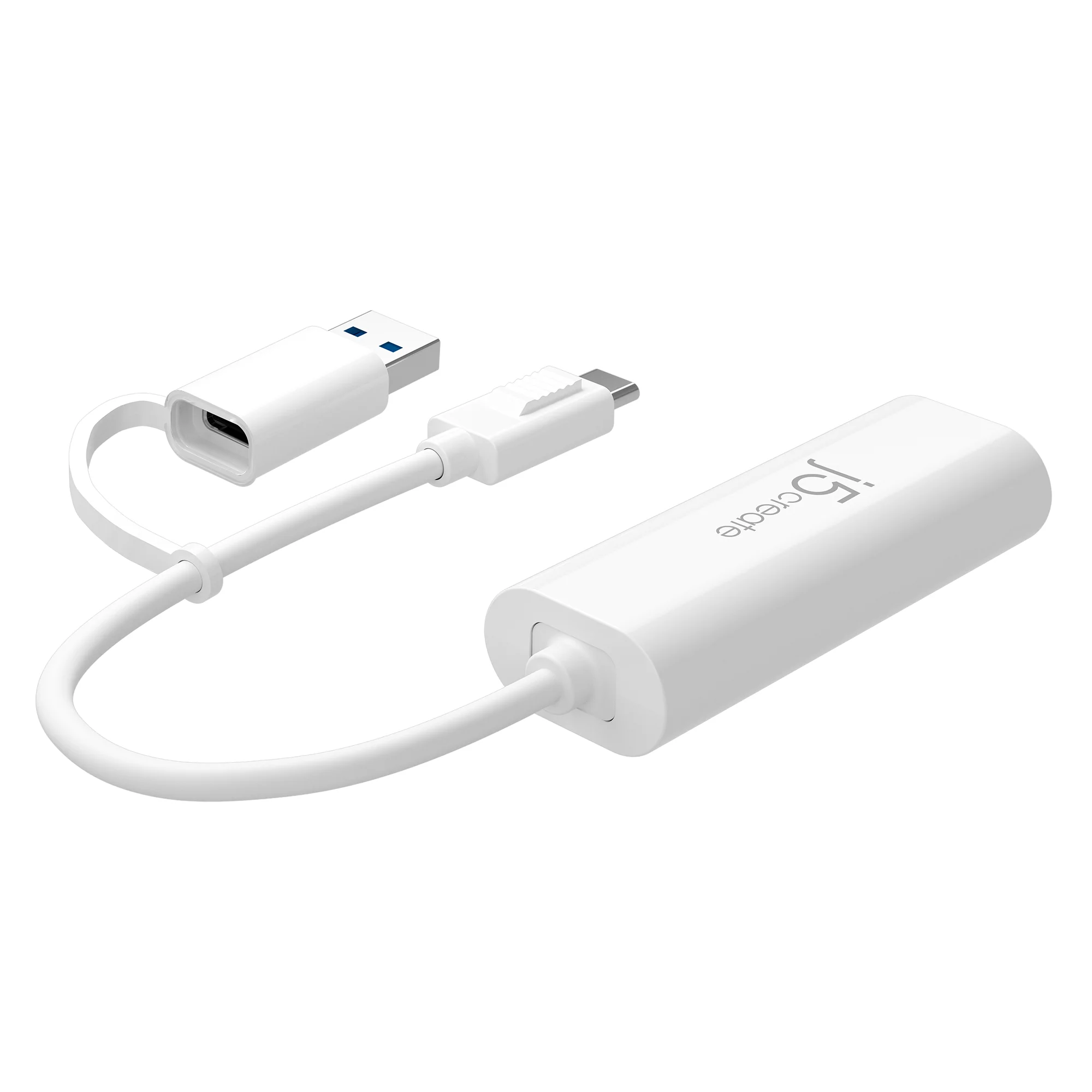
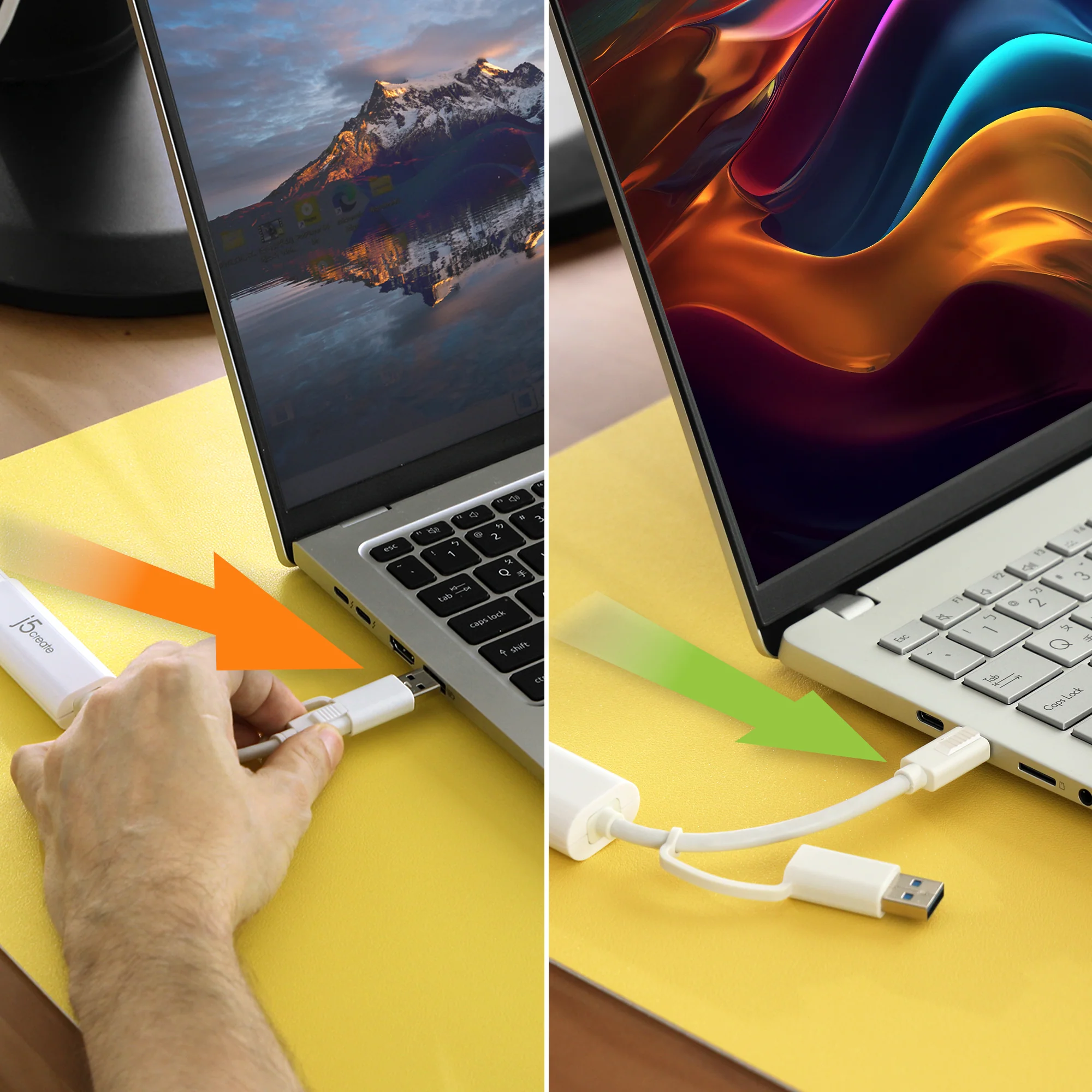
Equipped with a USB™ Type-A adapter for broader compatibility.


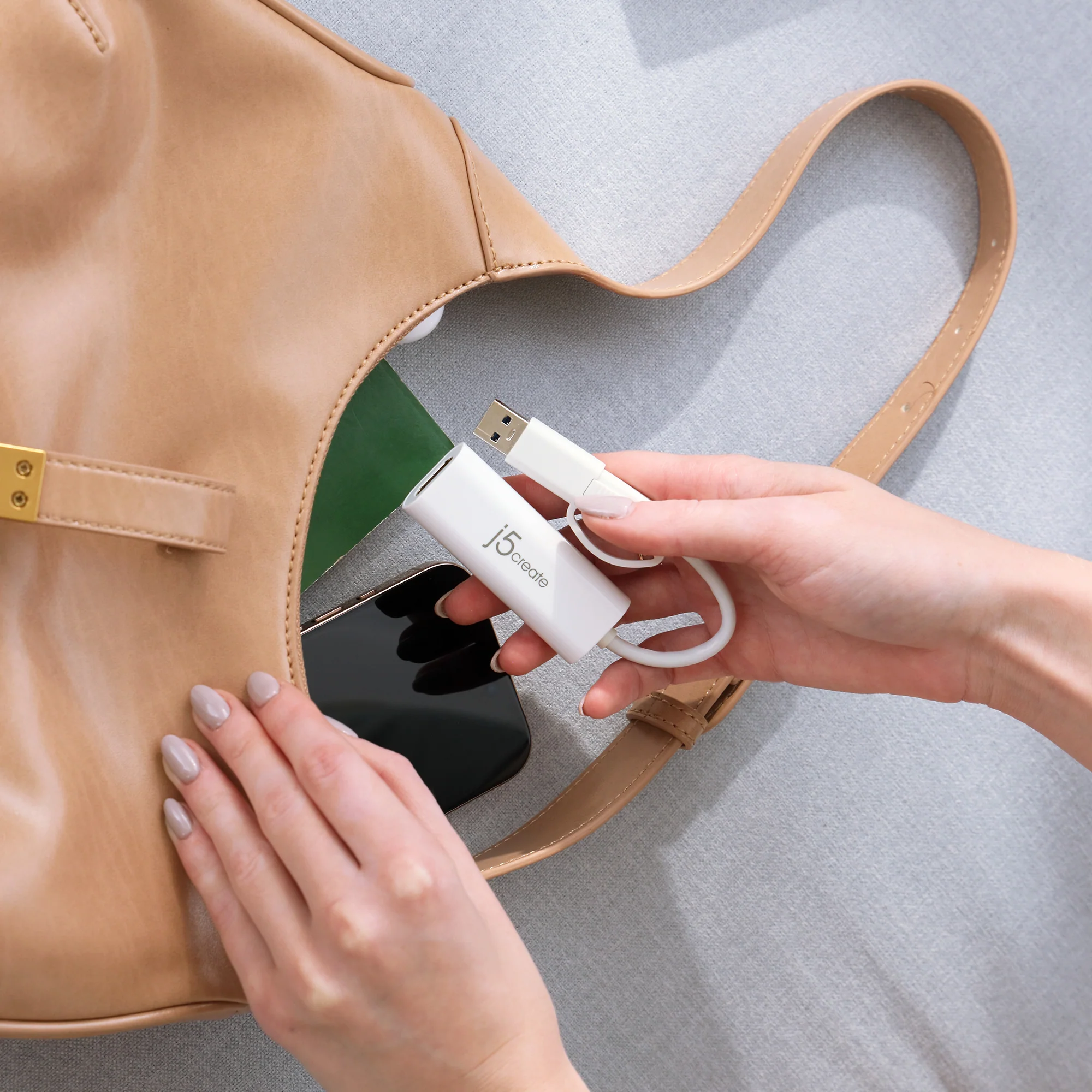
Light Weight and Compact
Portable and lightweight design allows for easy storage in bags or pockets, making it convenient for on-the-go use.
Quick Installation Guide for macOS®

Versatile Use Across Multiple Environments

More Images
USB™ to HDMI™ Multi-Monitor Adapter
Effortless Display Expansion via USB-C® or Type-A
Easily add an additional display through the USB-C® or Type-A and HDMI™ connection.
Full HD Output up to 2048×1152
Ideal for viewing multiple windows at the same time.
Note: Driver installation is required for macOS® and Windows®. If the computer has network access and administrative rights, Windows® can automatically install the driver when the device is plugged in.
Flexible Multi-Display Options
Seamlessly switch between extended, mirrored, or primary display modes. Rotation mode is also available (not supported on macOS®), offering a tailored setup for your unique needs.
Wide Compatibility
Lets you connect to a second display in seconds - compatible with Windows® 10 or later and macOS® 10.9 or later.
Dual USB™ Support with USB™ Type-A and USB-C®
Equipped with a USB™ Type-A adapter for broader compatibility.
Light Weight and Compact
Portable and lightweight design allows for easy storage in bags or pockets, making it convenient for on-the-go use.
Quick Installation Guide for macOS®
Versatile Use Across Multiple Environments
Product Information
Product Information
Shipping & Returns
Shipping & Returns
Description
Effortless Display Expansion via USB-C® or Type-A
Easily add an additional display through the USB-C® or Type-A and HDMI™ connection.
Full HD Output up to 2048×1152
Ideal for viewing multiple windows at the same time.
Note: Driver installation is required for macOS® and Windows®. If the computer has network access and administrative rights, Windows® can automatically install the driver when the device is plugged in.
Flexible Multi-Display Options
Seamlessly switch between extended, mirrored, or primary display modes. Rotation mode is also available (not supported on macOS®), offering a tailored setup for your unique needs.
Wide Compatibility
Lets you connect to a second display in seconds - compatible with Windows® 10 or later and macOS® 10.9 or later.
Dual USB™ Support with USB™ Type-A and USB-C®
Equipped with a USB™ Type-A adapter for broader compatibility.
Light Weight and Compact
Portable and lightweight design allows for easy storage in bags or pockets, making it convenient for on-the-go use.
Quick Installation Guide for macOS®
Versatile Use Across Multiple Environments